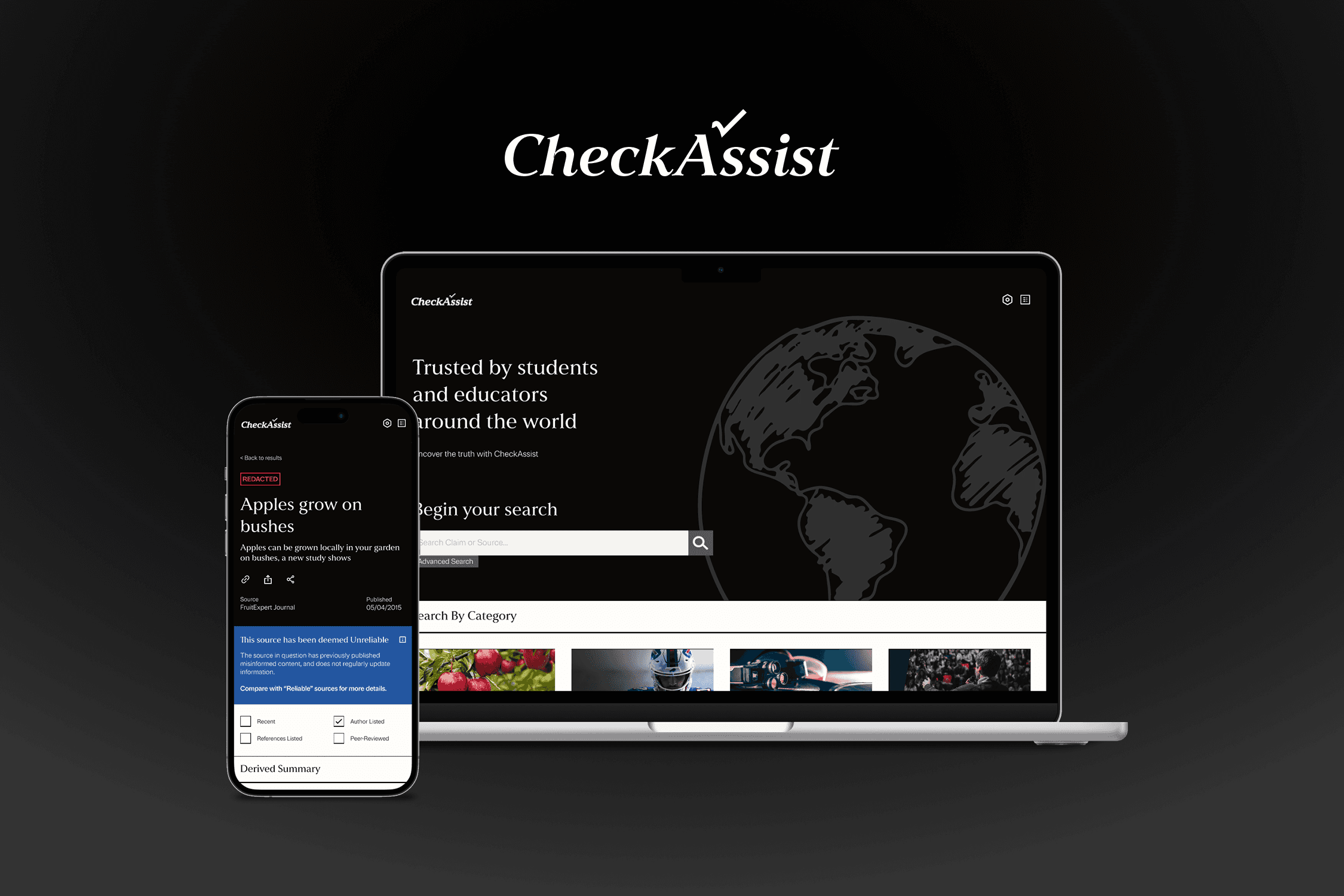
A verification tool designed for students to assess the credibility of online information and verify sources.
ROLE
Product Designer
COURSE
COMPLETED
February 2024 / 6 Weeks
APP OVERVIEW: WHAT IS CHECKASSIST?
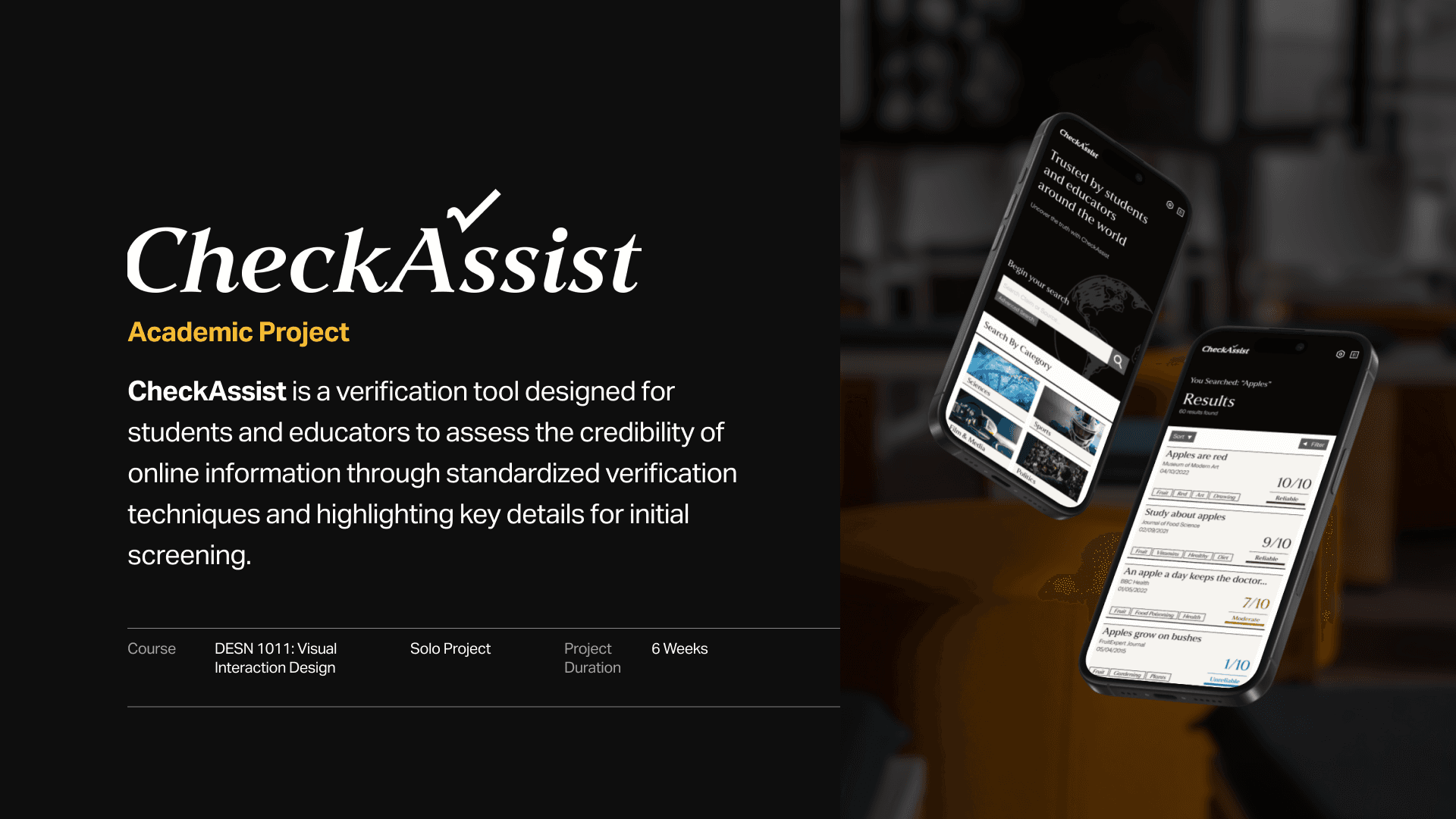
CheckAssist is a verification tool designed for students to assess the credibility of online information through standardized verification techniques and highlighting key details for initial screening.
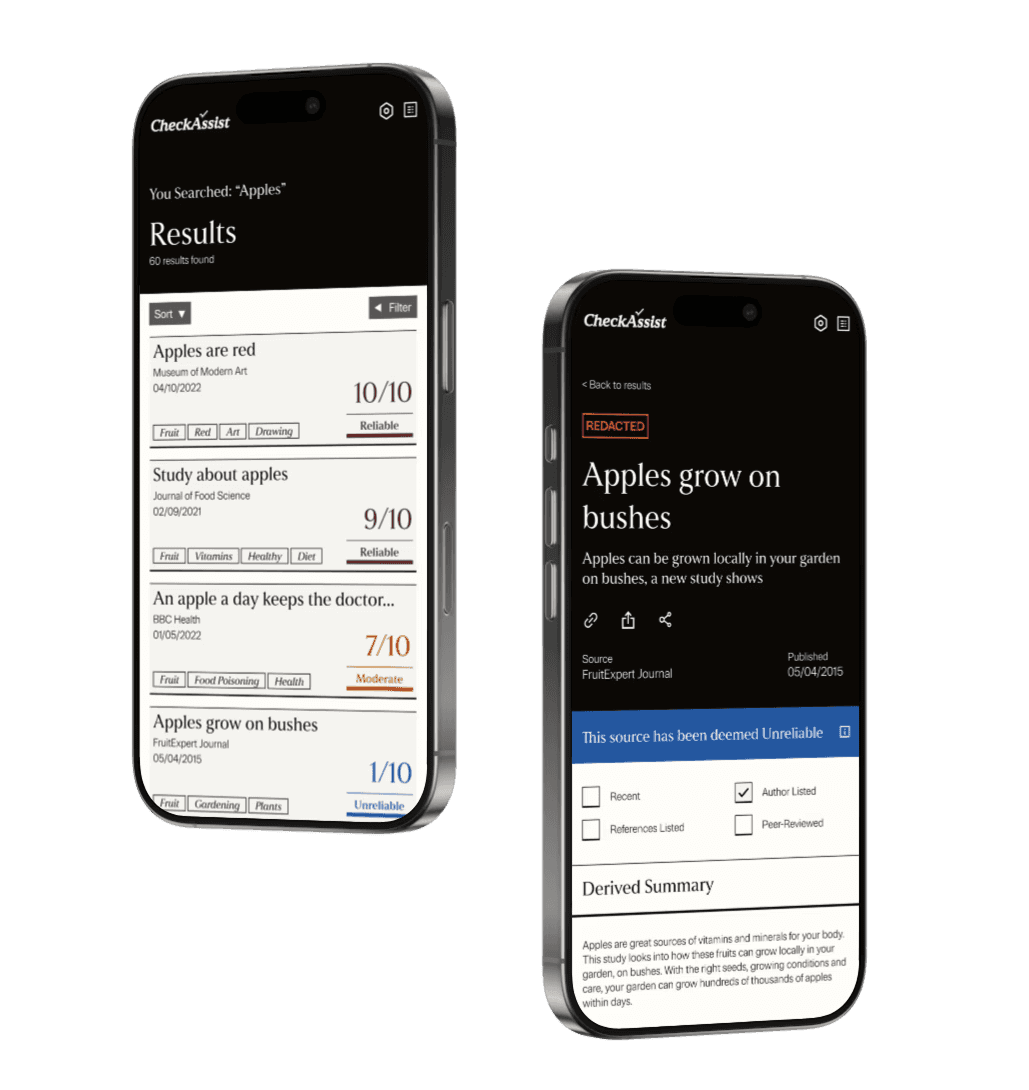
The app uses a rating system to determine reliability based on key criteria, such as author transparency, source recency, and content accuracy. To combat misinformation, CheckAssist integrates standardized information verification strategies like the SIFT technique and Lateral Reading, allowing users to efficiently screen multiple sources.
THE PROBLEM SPACE: WHAT AM I SOLVING?
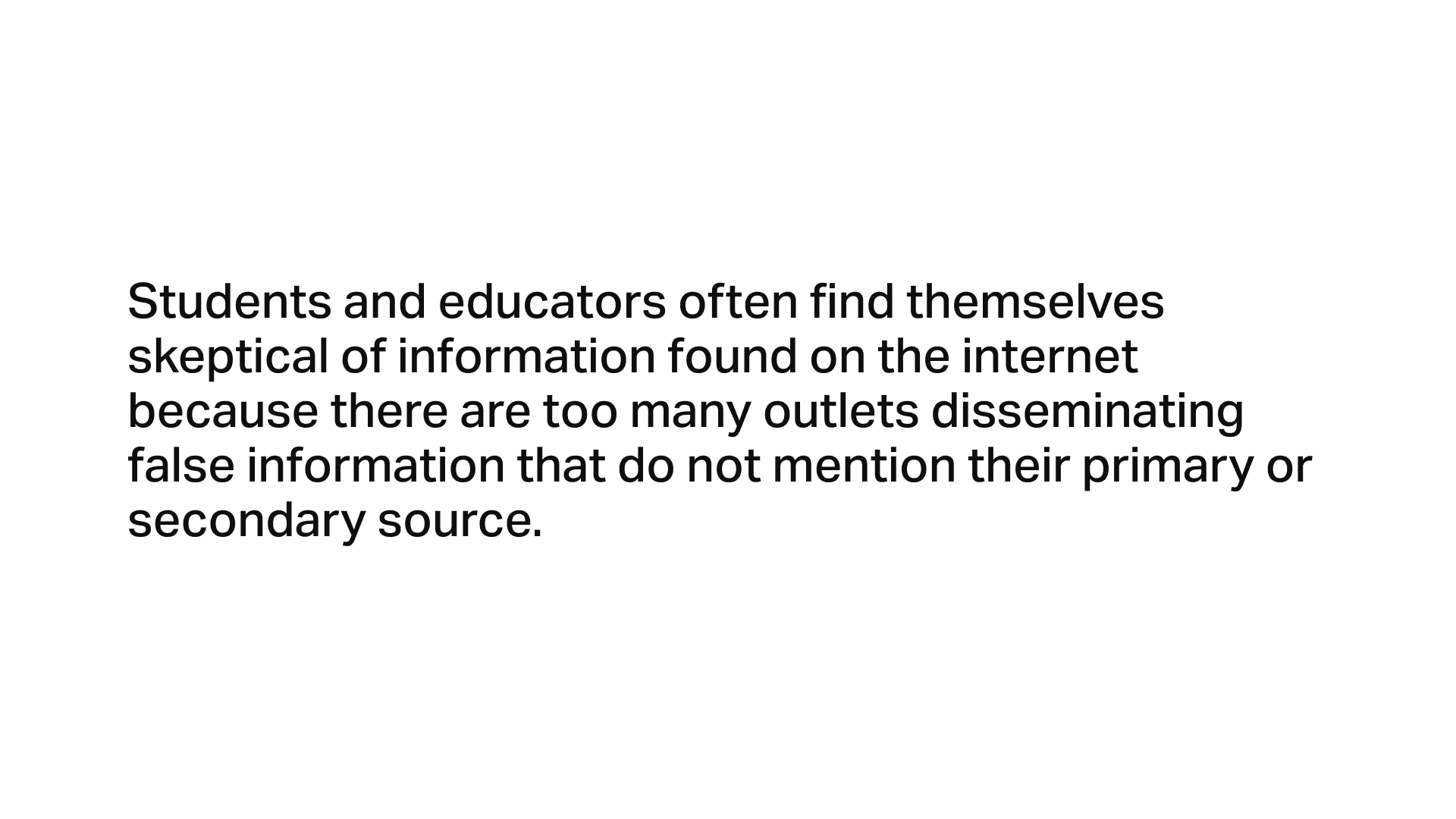
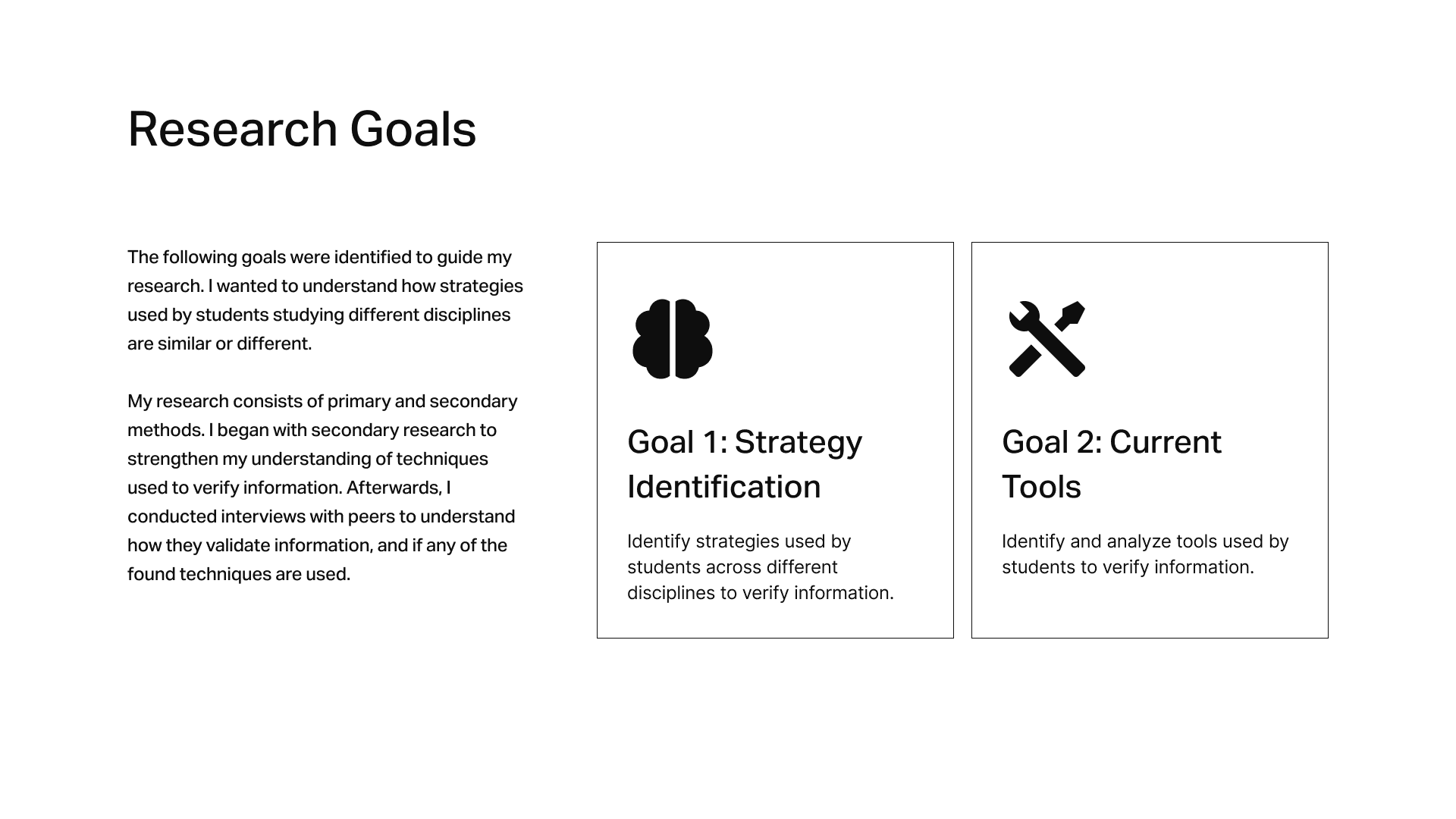
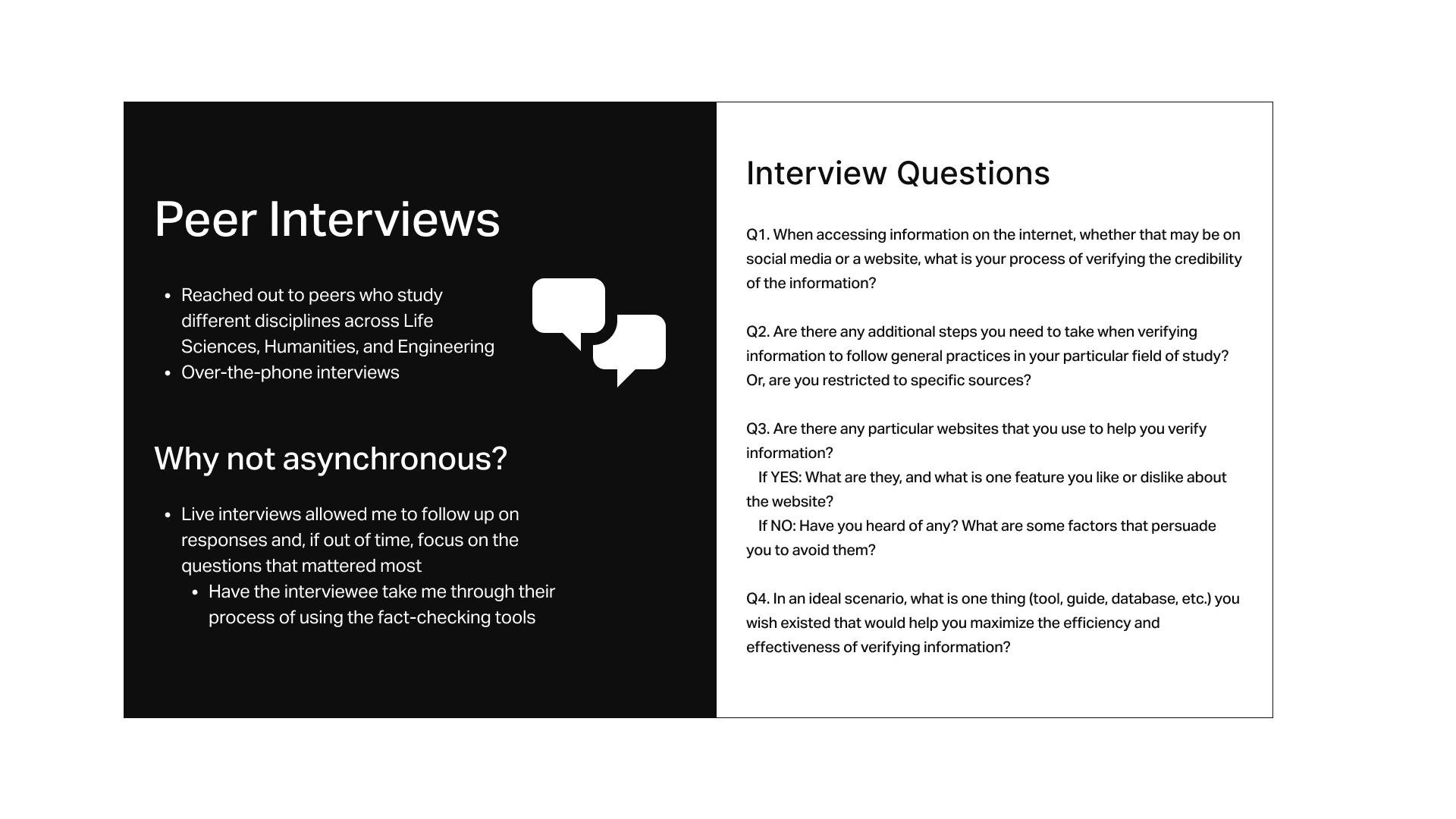
In an era of abundant misinformation, the ability to accurately verify information is an important skill for academic success and research integrity. Through extensive research, including peer interviews and analyzing studies on techniques like SIFT and Lateral Reading, I discovered that students face the following challenges:
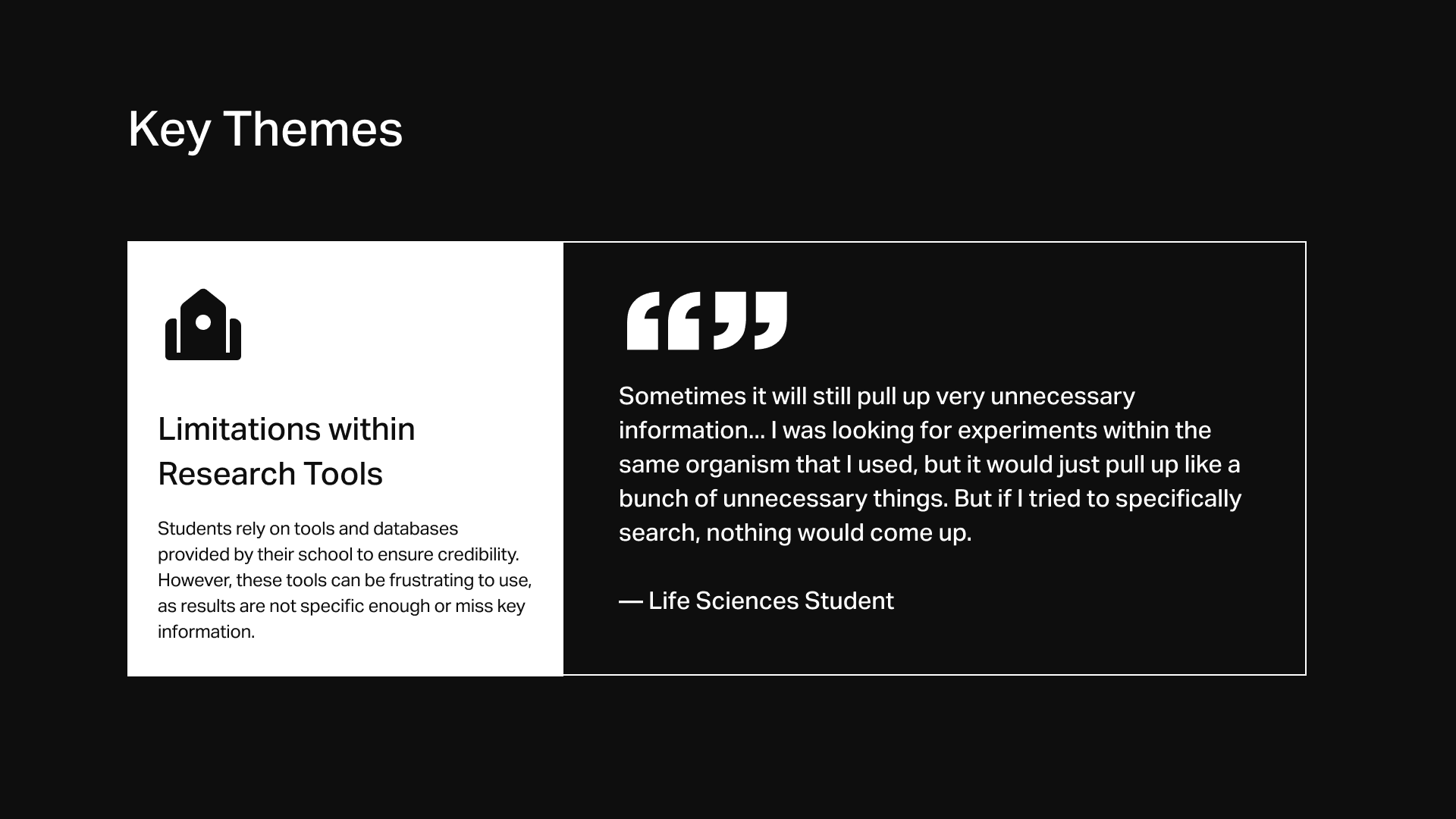
Limitations within Institutional Research Tools
Students rely on tools and databases provided by their school to ensure credibility. However, these tools can be frustrating to use, as results are not specific enough or miss key information.
"Sometimes it will still pull up very unnecessary information... I was looking for experiments within the same organism that I used, but it would just pull up like a bunch of unnecessary things. But if I tried to specifically search, nothing would come up."
— Life Sciences Student
"Vertical Reading" and Poor Screening Habits
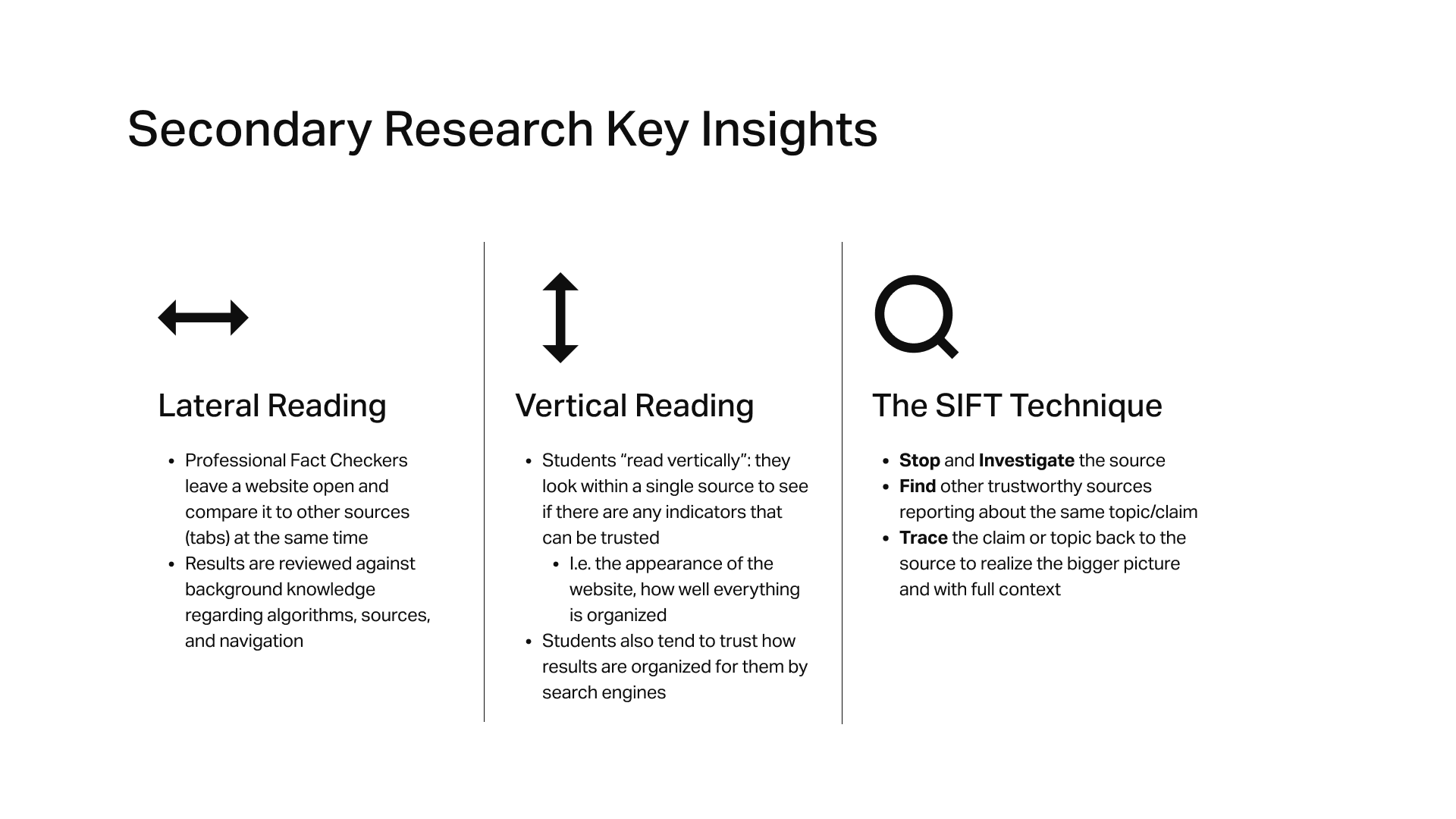
Professional fact checkers read laterally. That is, to verify a claim or source, they leave a source open and compare it to others at the same time. They also review the results against background knowledge about algorithms and search results. However, students have the tendency to "read vertically", and trust how results are organized for them by search engines like Google.
A study by Brodsky et al. (2021) emphasizes that students do not read laterally to verify information they see online. Instead, they “read vertically”: they look within the single source to see if there are any indicators that can be trusted, such as the appearance of the website, how elements are organized, and the relevancy of information.
Brodsky, Jessica E., et al. "Improving college students' fact-checking strategies through lateral reading instruction in a general education civics course." Cognitive Research: Principles and Implications, vol. 6, no. 1, 31 Mar. 2021, p. NA. Gale Academic OneFile, link.gale.com/apps/doc/A657048569/AONE?u=yorku_main&sid=bookmark-AONE&xid=2bef3f18. Accessed 21 Jan. 2024.
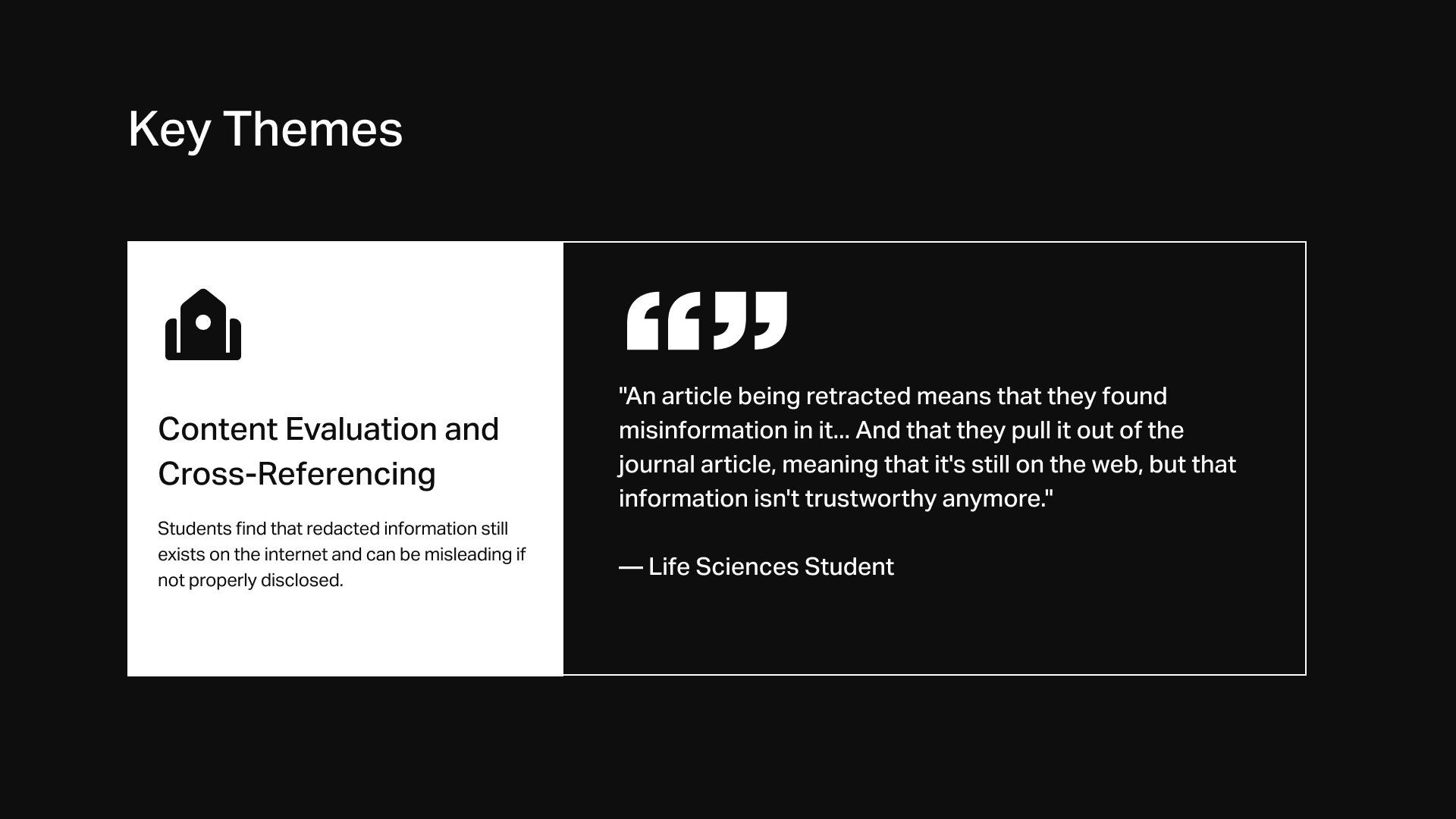
Misleading Information and Lack of Proper Disclosure
Students find that redacted information still exists on the internet and can be misleading if not properly disclosed.
"An article being retracted means that they found misinformation in it... And that they pull it out of the journal article, meaning that it's still on the web, but that information isn't trustworthy anymore."
— Life Sciences Student
THE OPPORTUNITY: A FACT-CHECKING TOOL
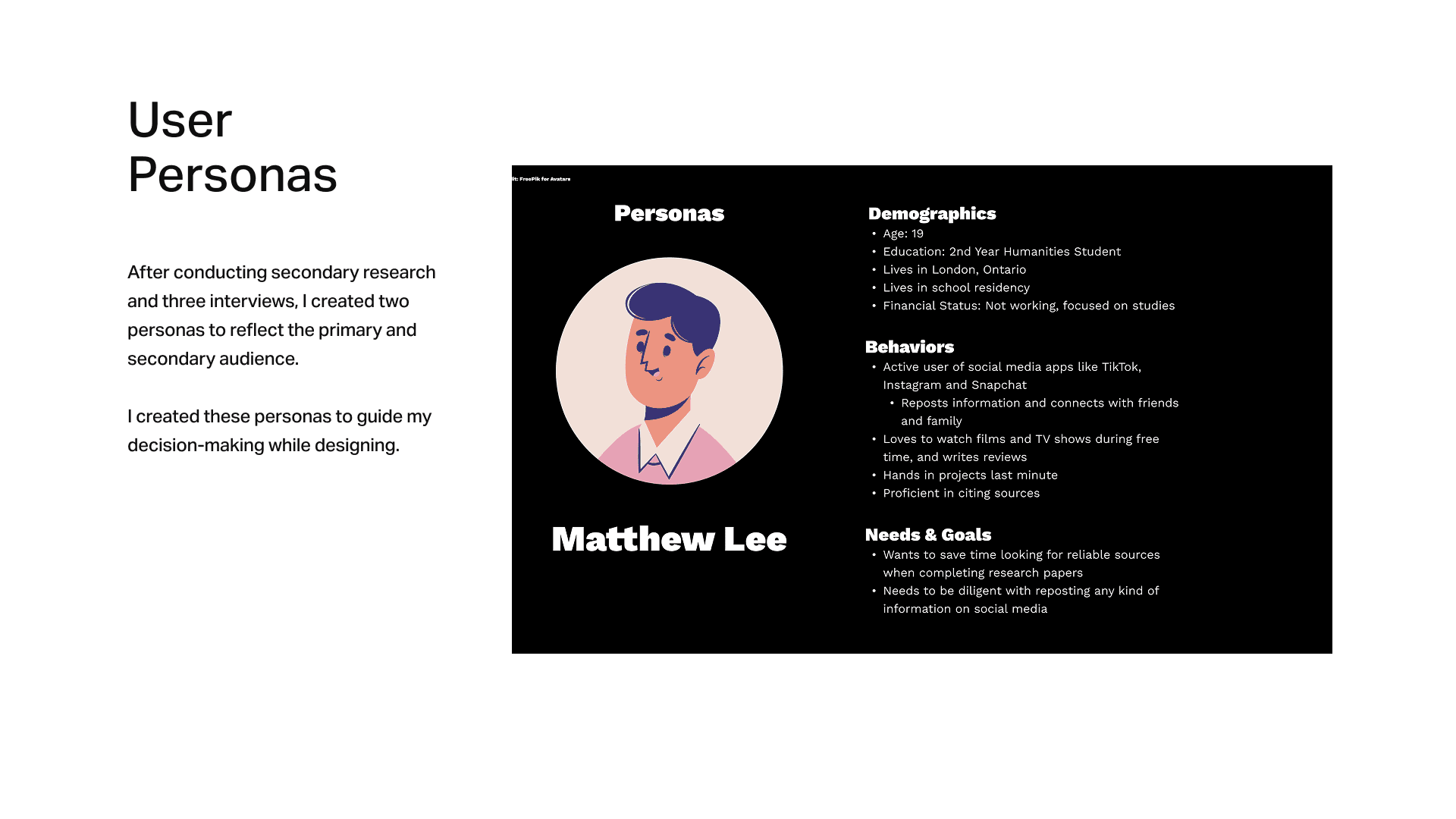
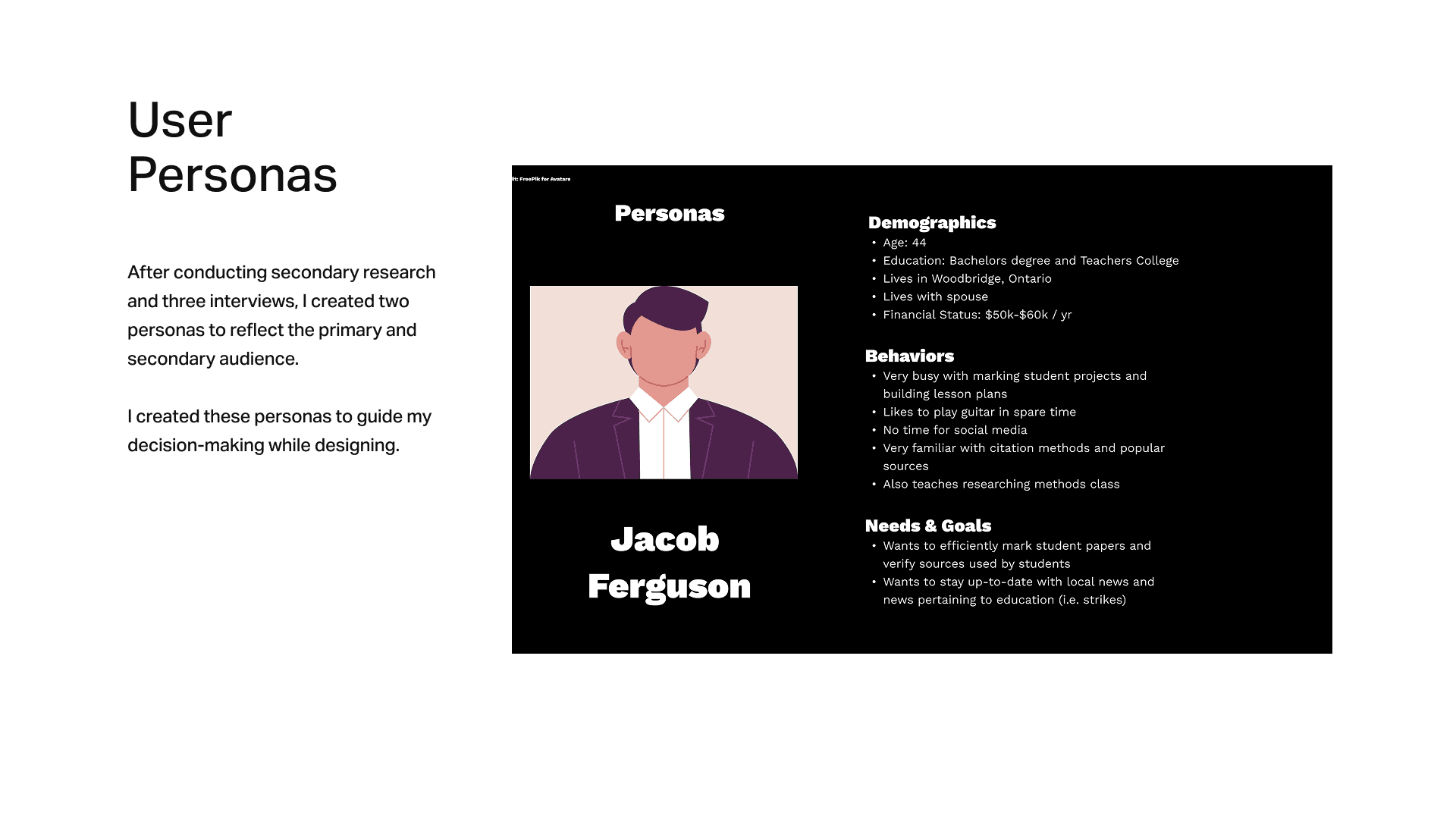
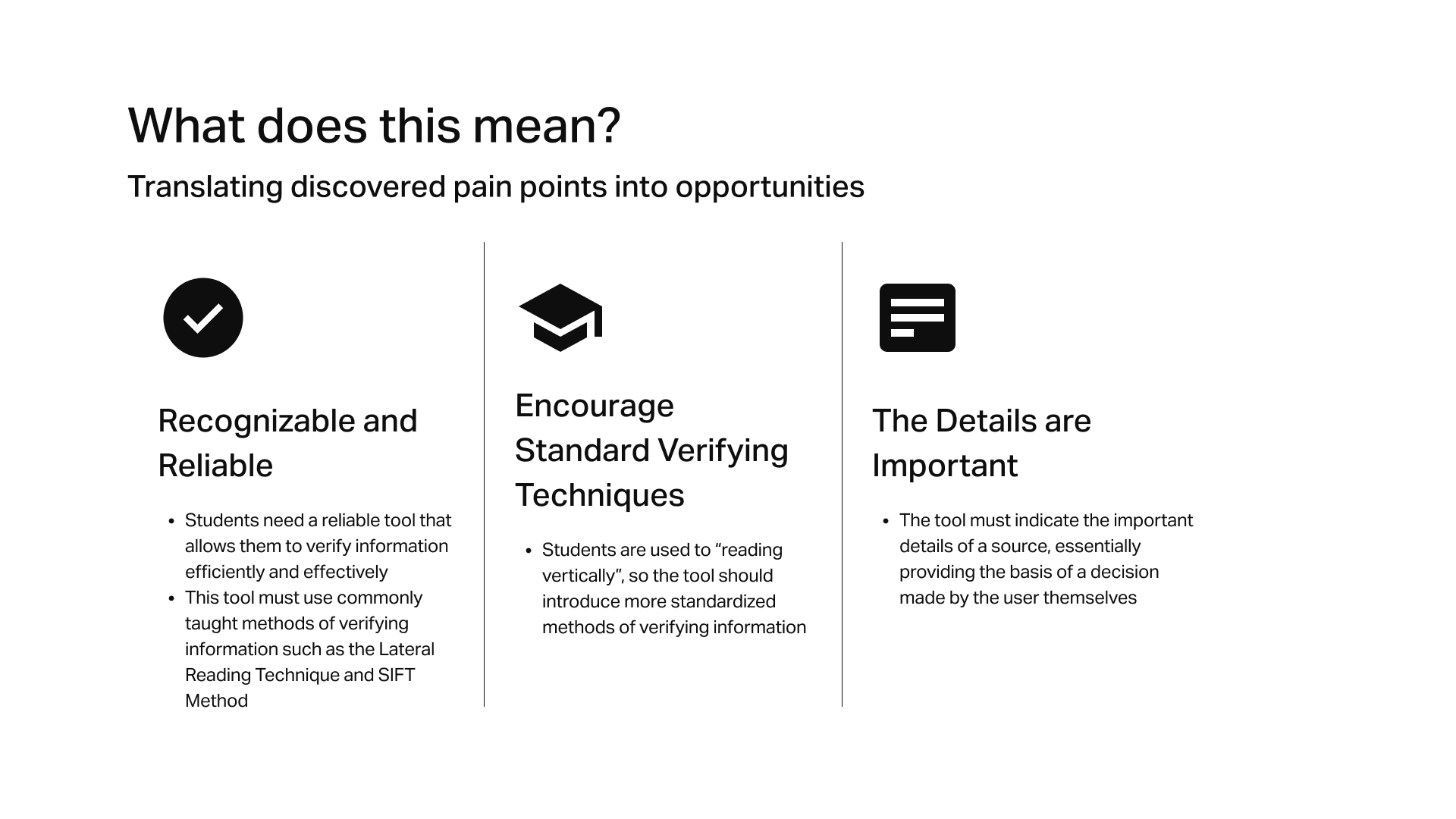
As I gathered insights from peer interviews, secondary research, competitor analyses, and developing user personas, I identified three primary pain points that can be addressed in the form of a mobile app:
A Reliable and Efficient Tool
Students need a reliable tool that will allows them to screen sources efficiently and effectively.
Standardized Verification Techniques
Students are used to “reading vertically”, so the tool should introduce more standardized methods of verifying information, such as the Lateral Reading Technique and the SIFT Method.
The Details are Important
The tool must indicate the important details of a source, providing the basis of a decision made by the user themselves.
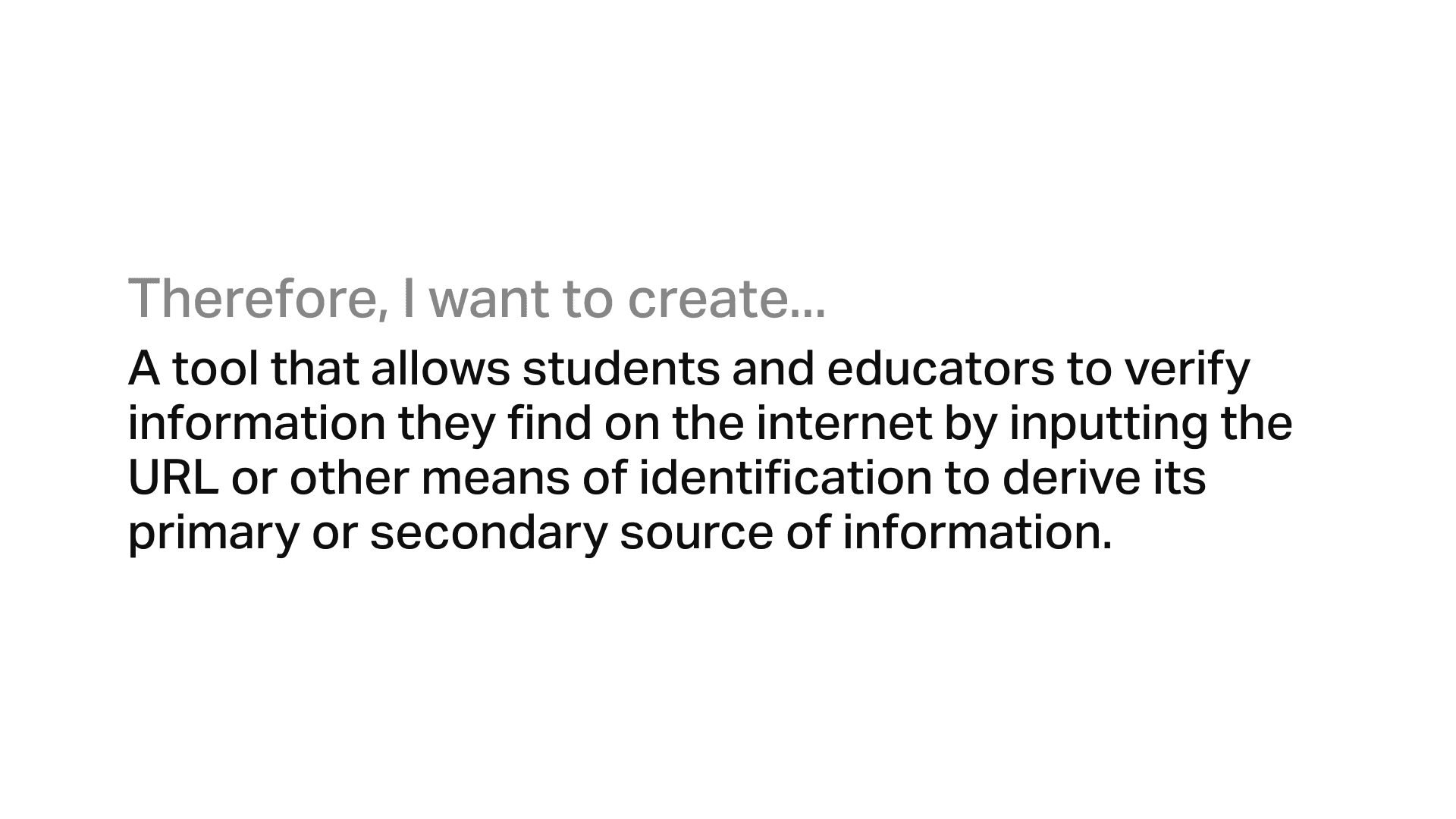
Create a tool that allows students to verify information that they find on the internet by inputting the URL or keyword to derive important information about the source, and confirm its validity through commonly taught methods of verifying information (Lateral and SIFT)?
To provide students with a reliable tool for verifying online information, I leveraged the Design Thinking framework to inform my research, peer interviews, and prototyping methods. This helped me design an efficient and intuitive verification process to screen sources, replacing the habit of "vertical reading" with research-backed fact-checking strategies.

KEY FEATURES
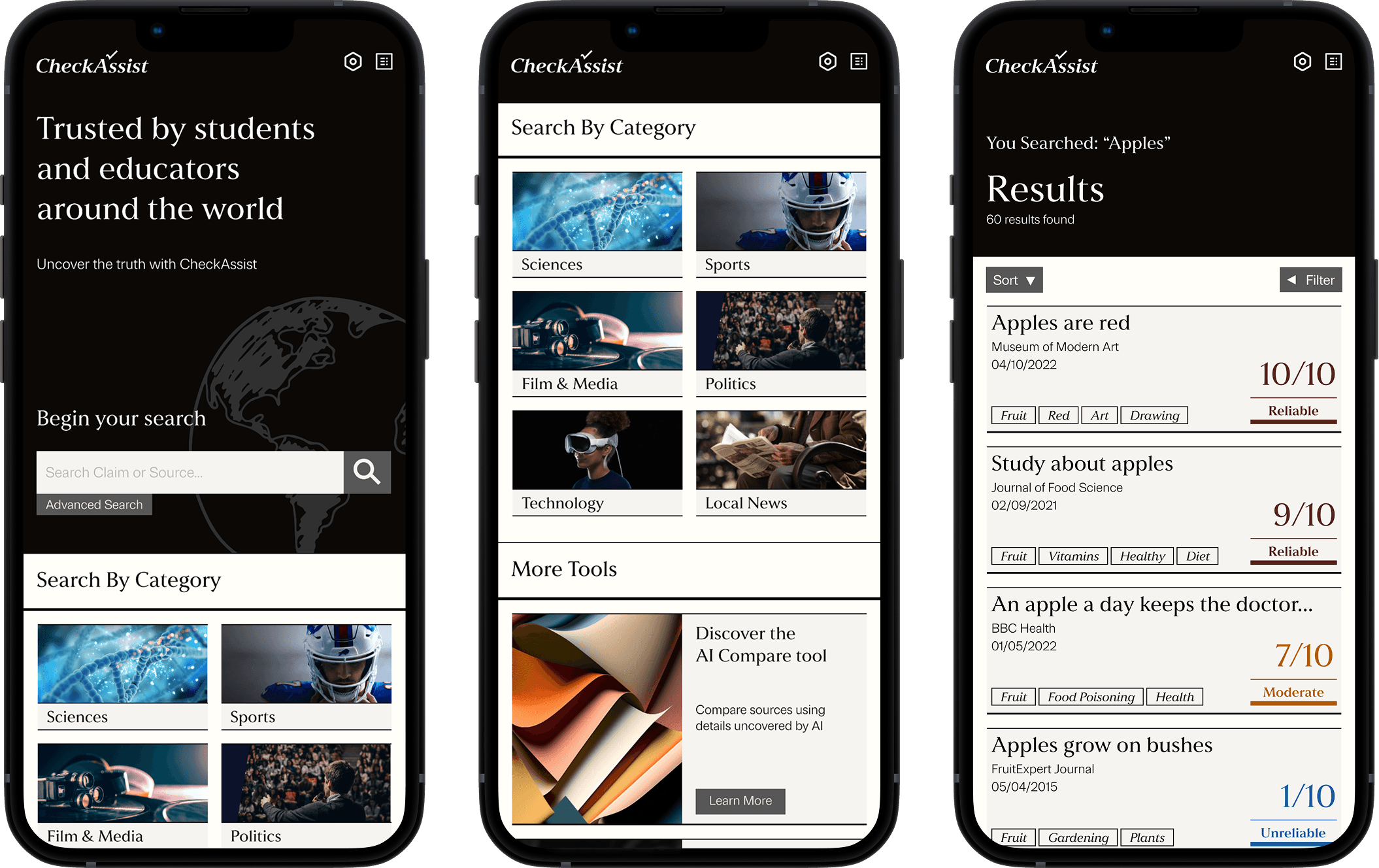
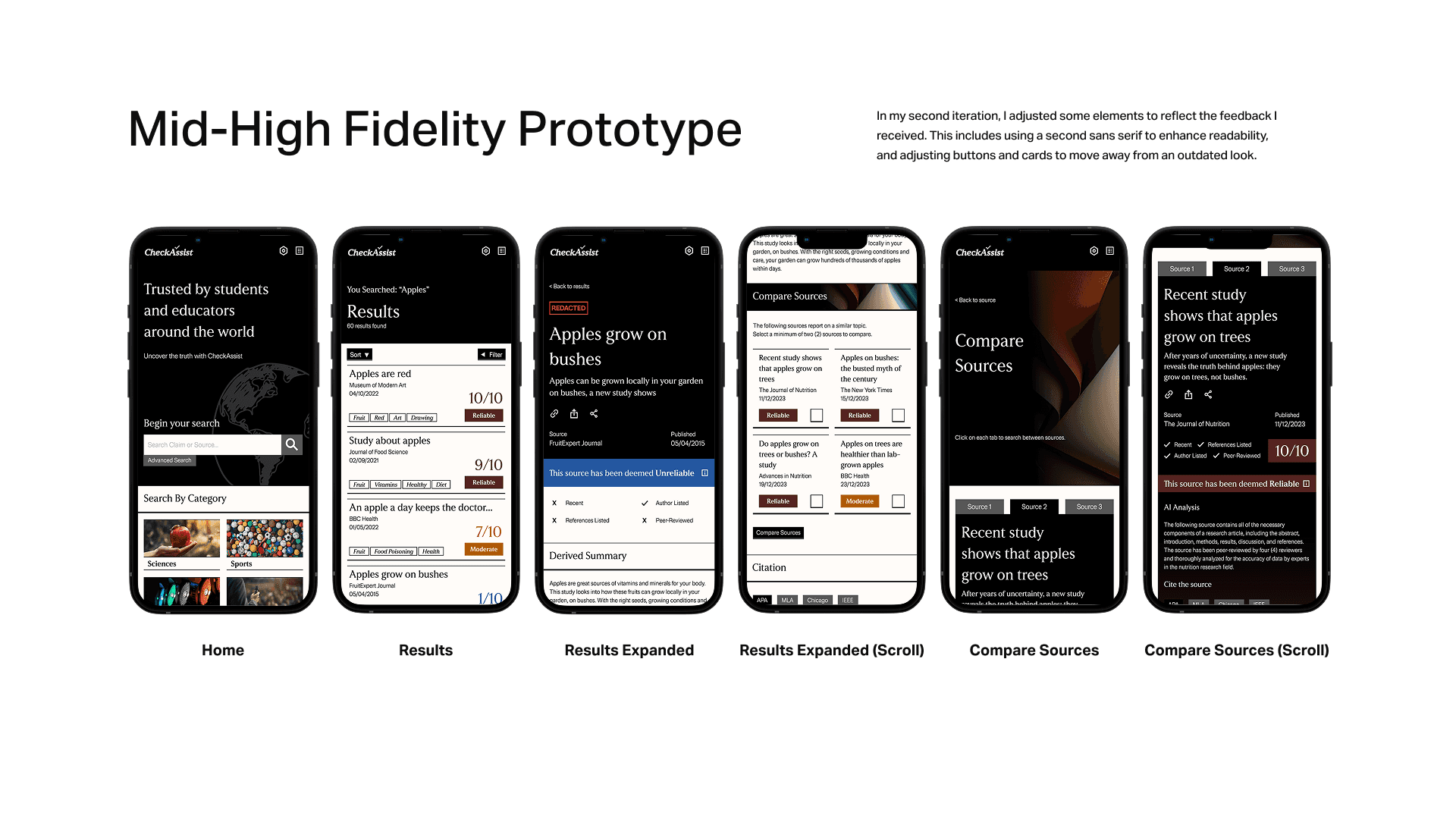
Search for Sources Efficiently
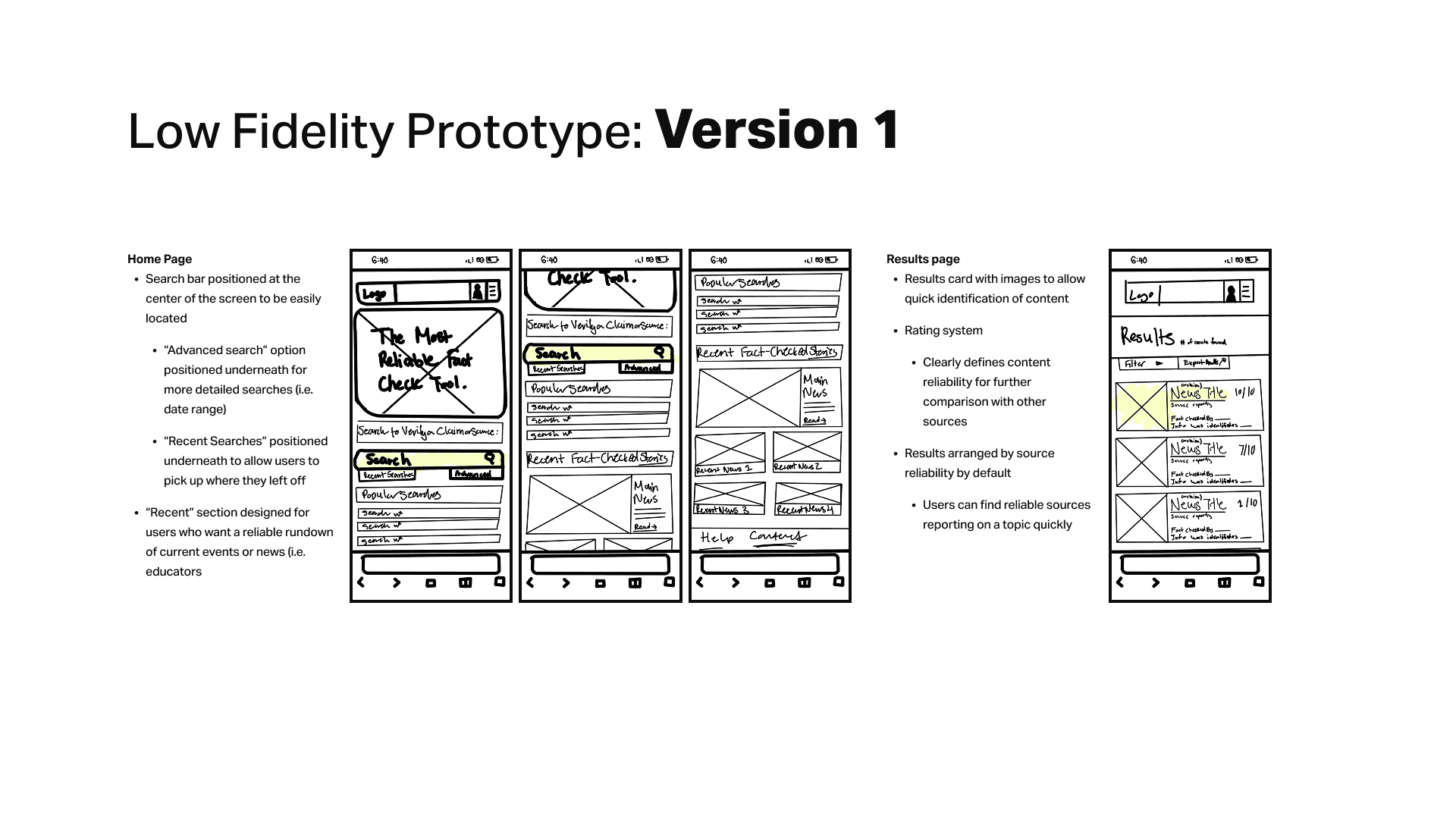
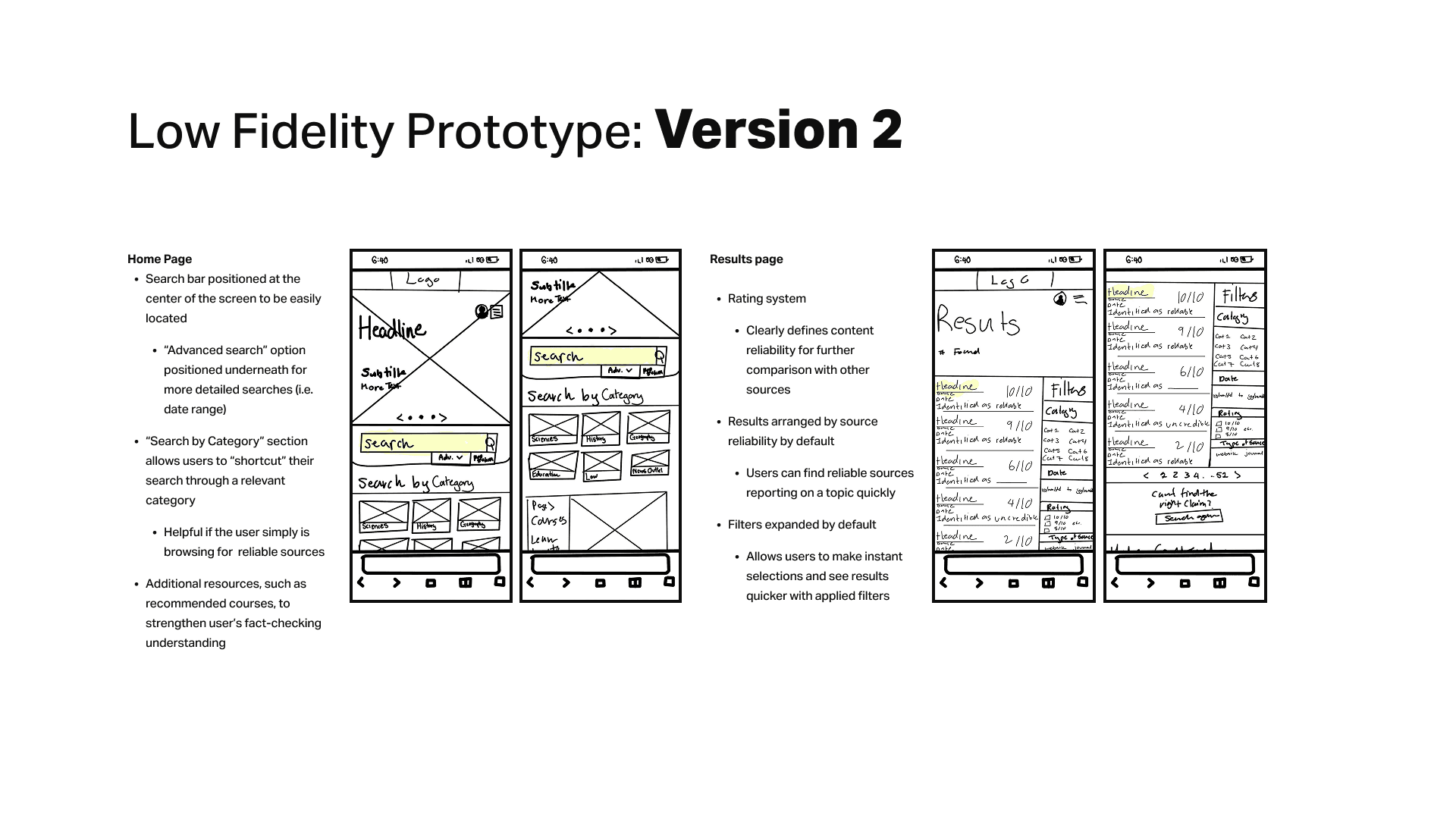
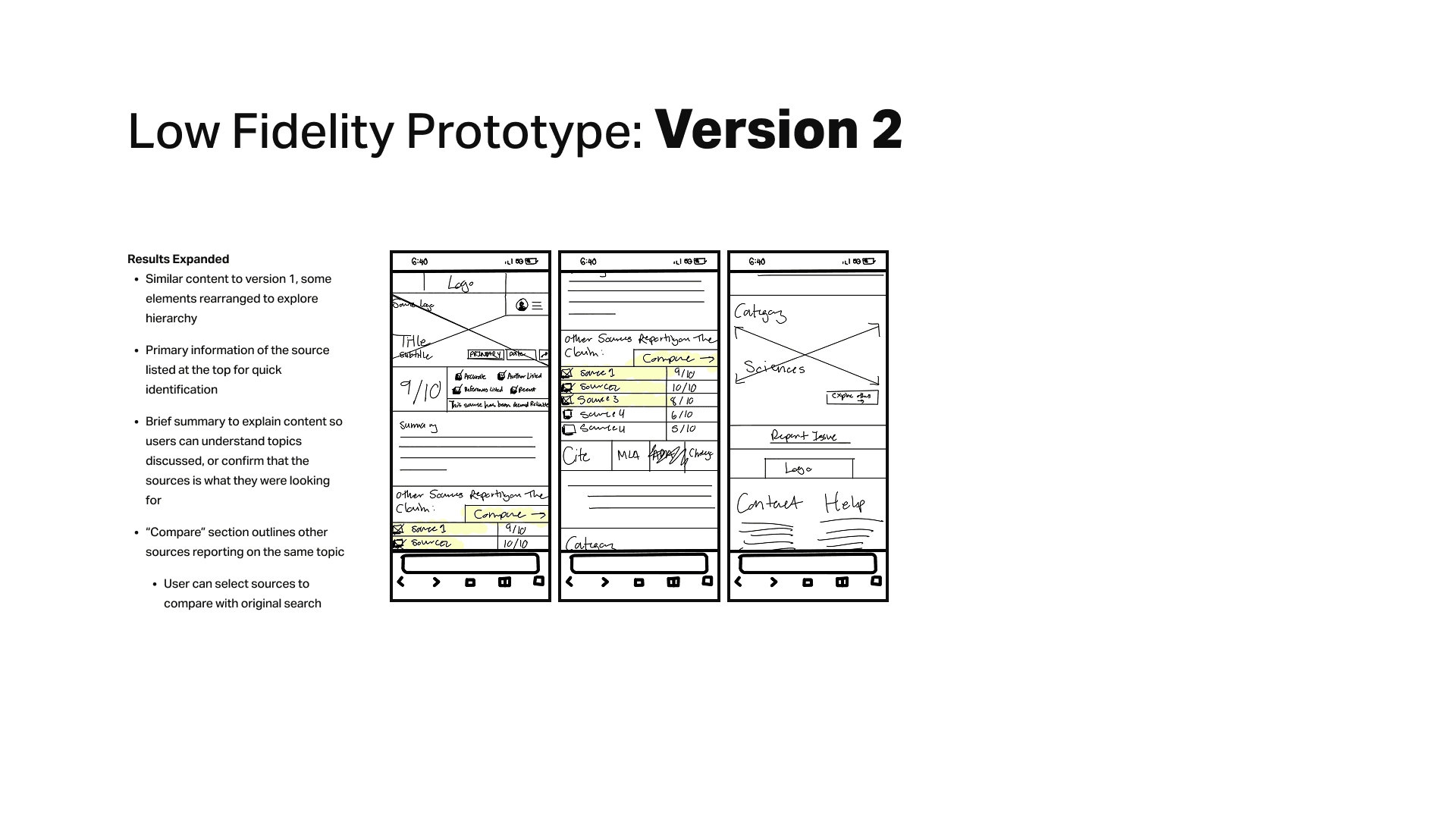
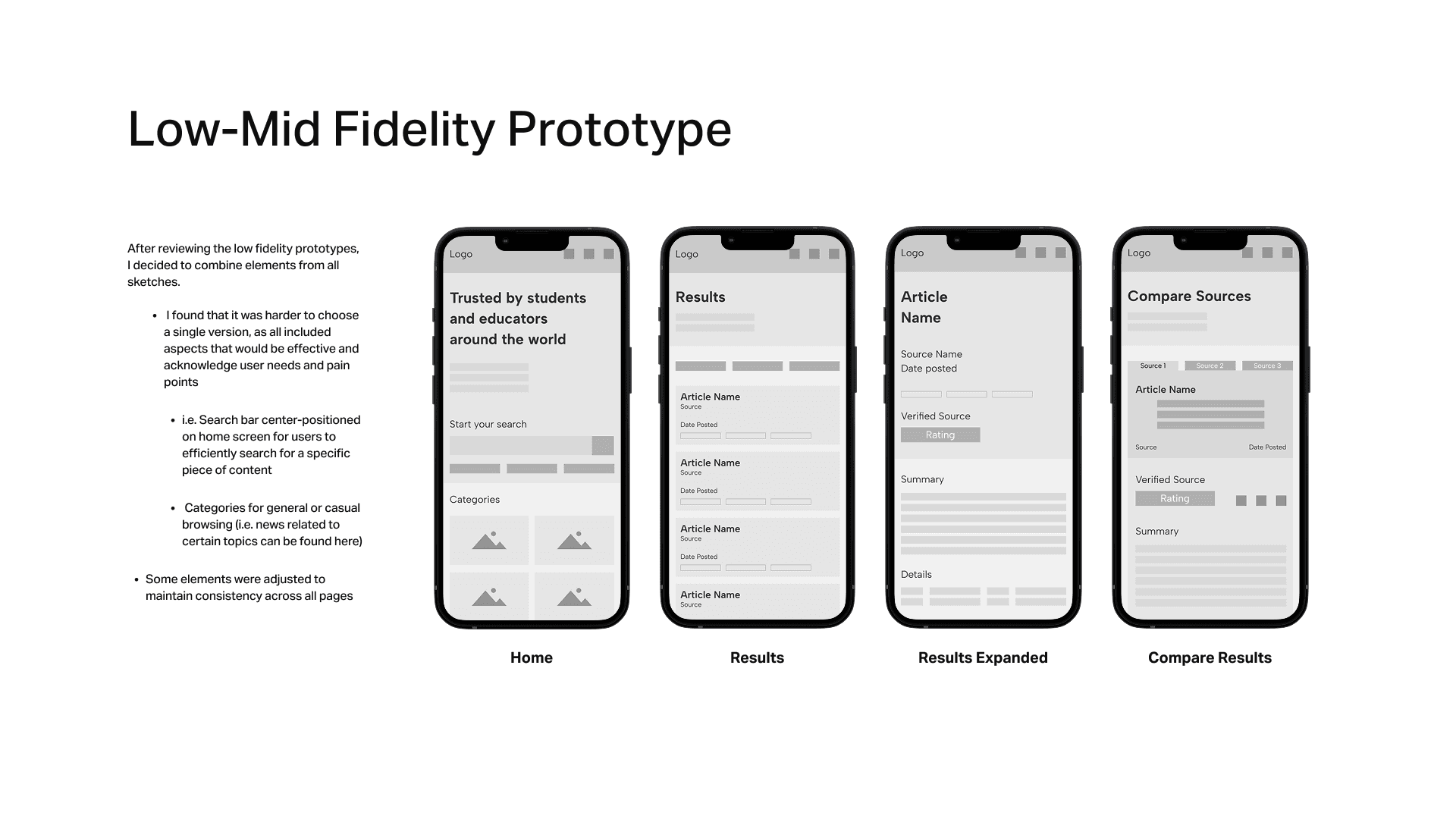
Using keywords or claim title, search for a source and find other sources with relevant information. Alternatively, use the "Search by Category" section to shortcut a search when browsing for reliable sources in specific fields.
By implementing a search function and presenting a pre-selected array of categories for quick browsing, students can easily find information relevant to their needs. While searching, students will also see other reliable sources, further encouraging them to cross-reference information and develop stronger verification habits.
Trustworthy Rating System
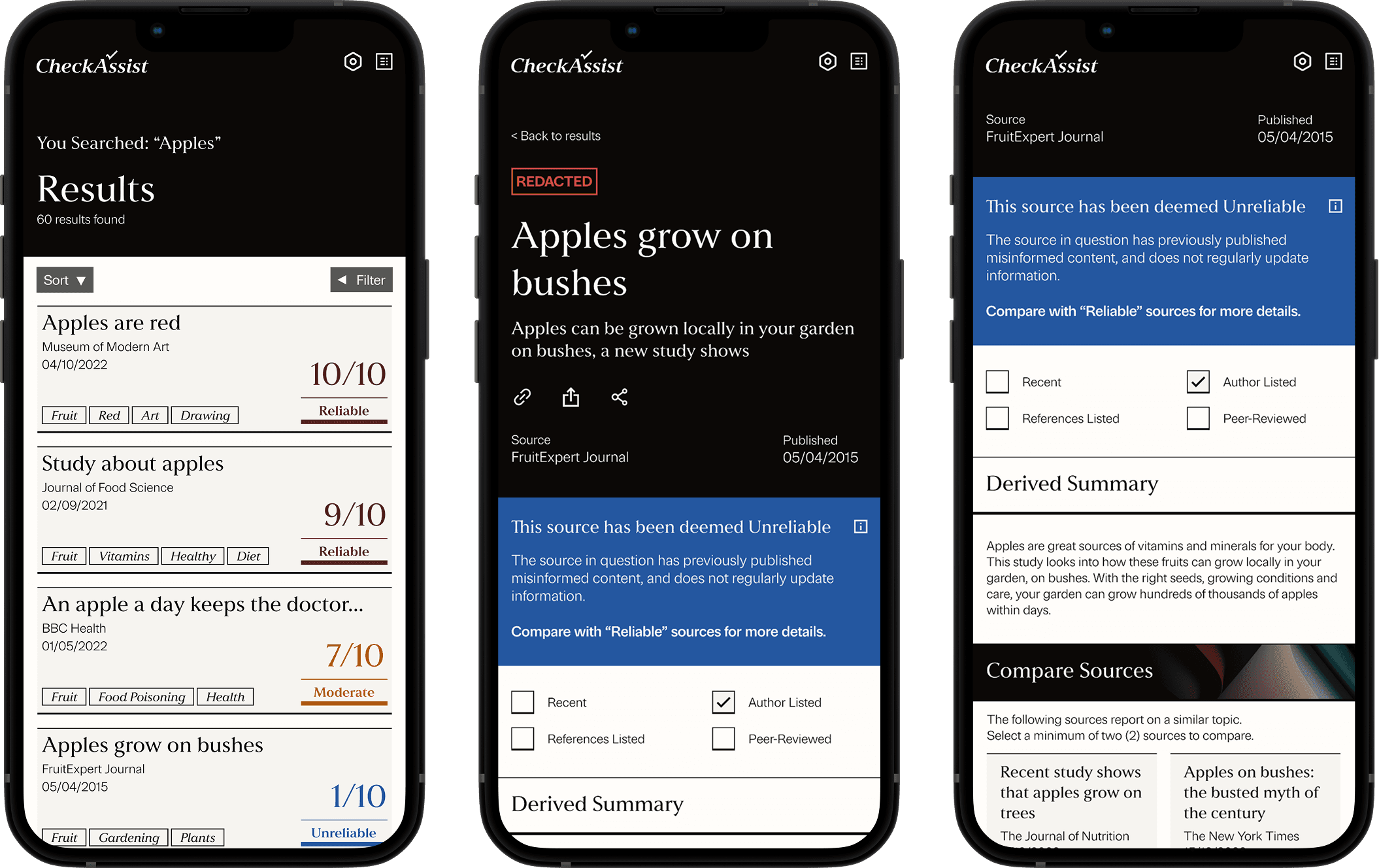
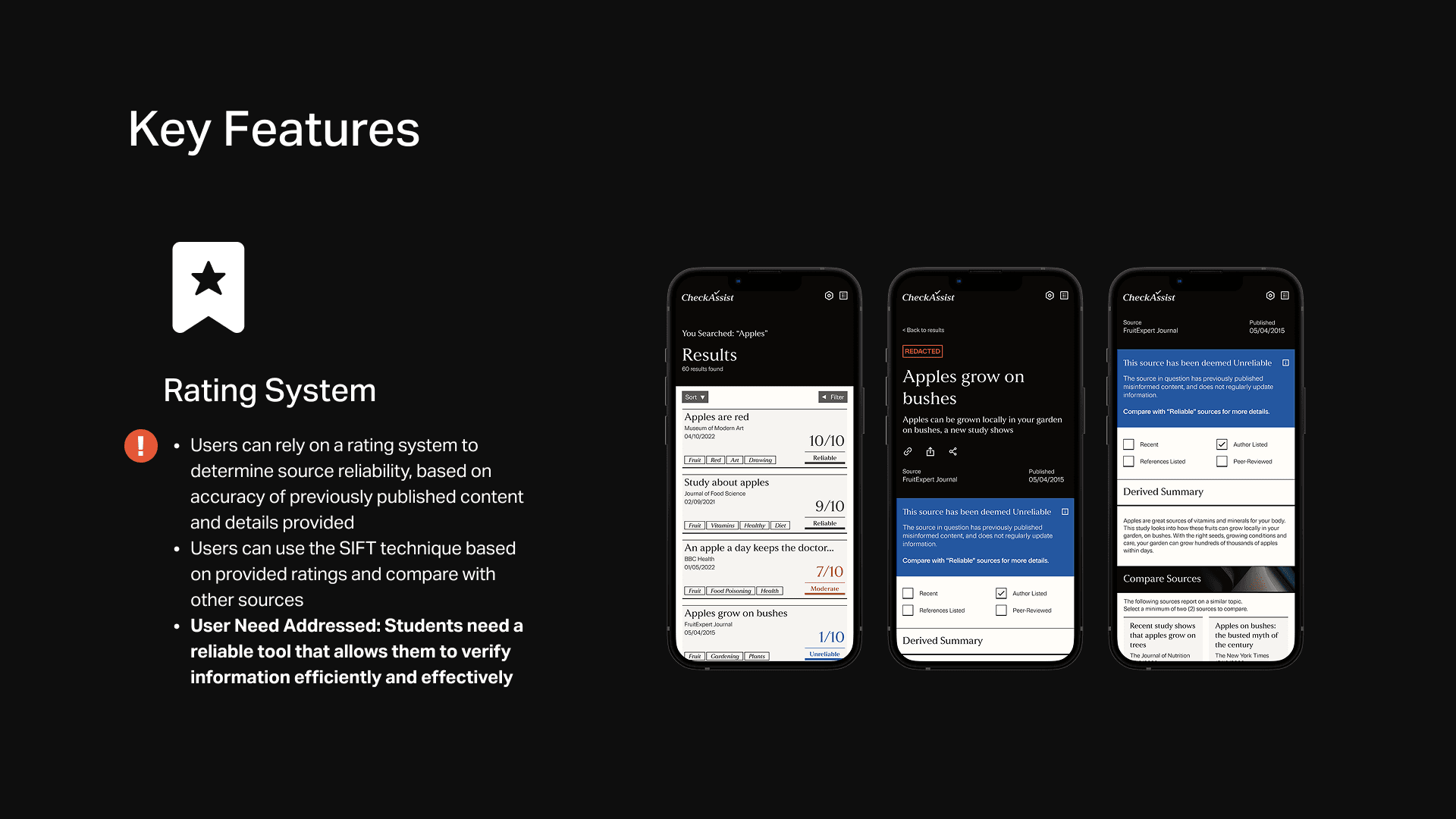
CheckAssist uses a rating system that determines source reliability by evaluating specific criteria such as the accuracy of previously published content, source recency, and provided author details. These ratings allow users to implement the SIFT technique to investigate the trustworthiness of a source and trace claims back to their original context.
By implementing a trustworthy rating system, the tool meets students' need for a reliable way to verify information efficiently and effectively.
Compare Sources Laterally
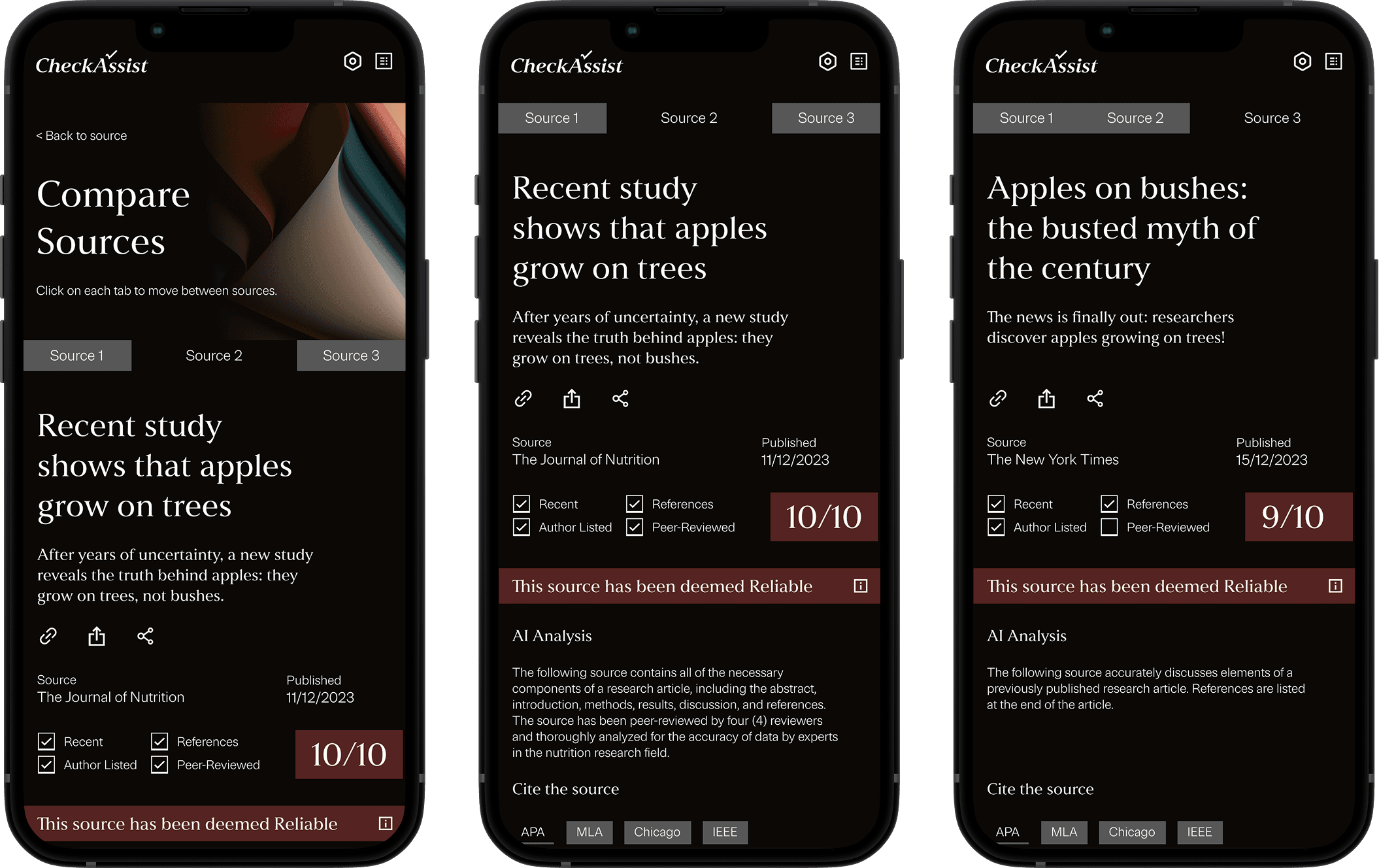
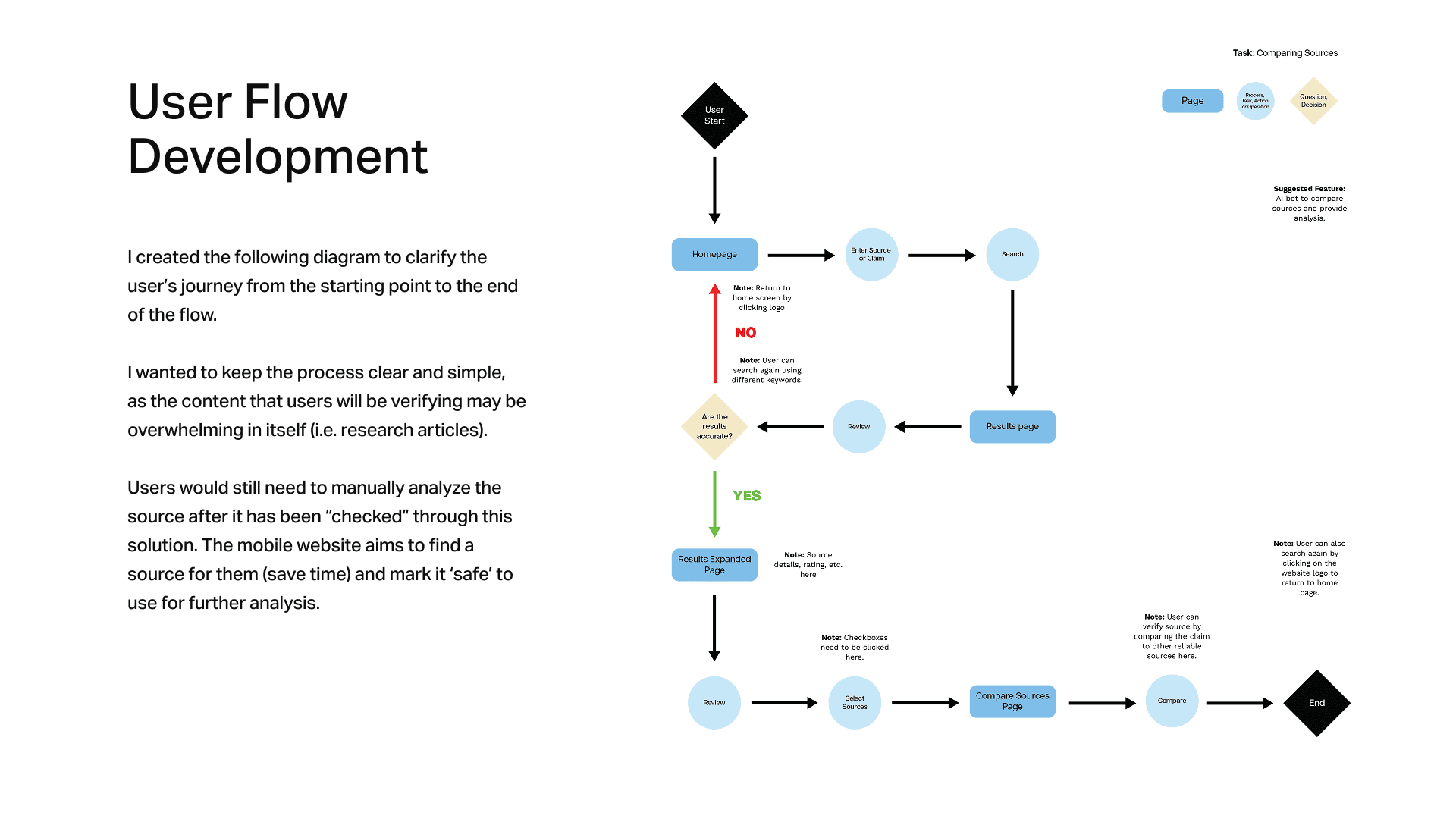
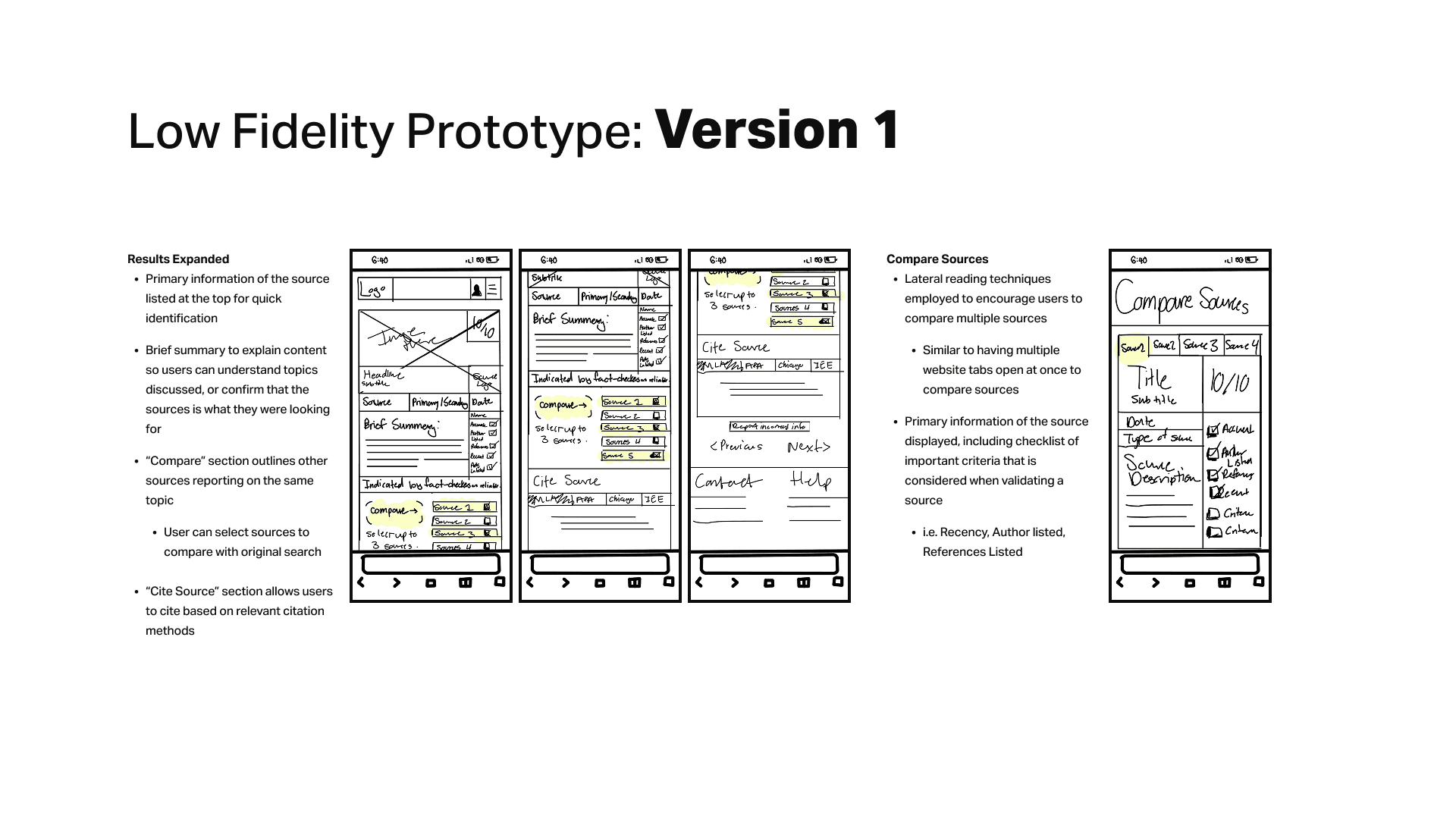
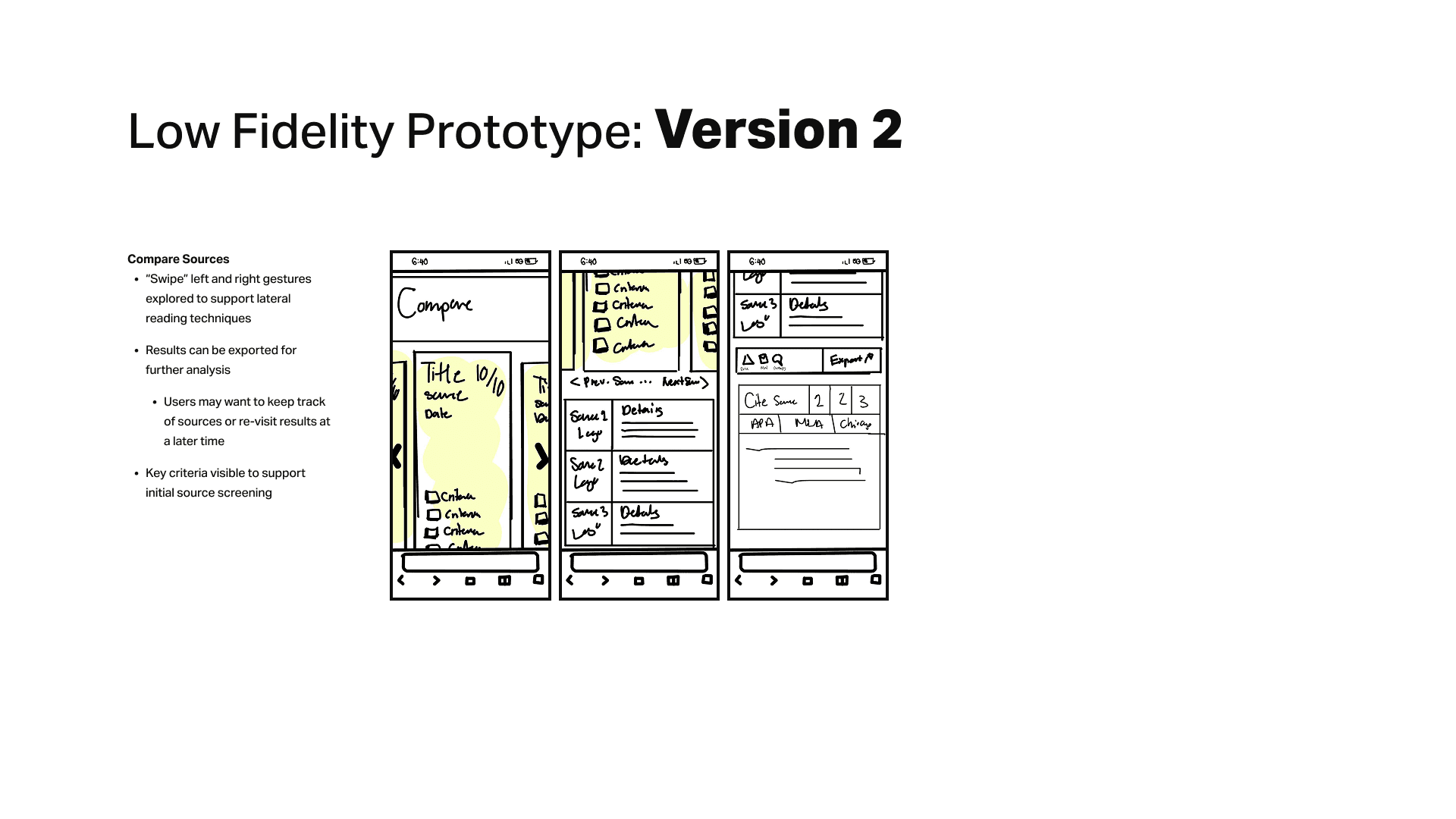
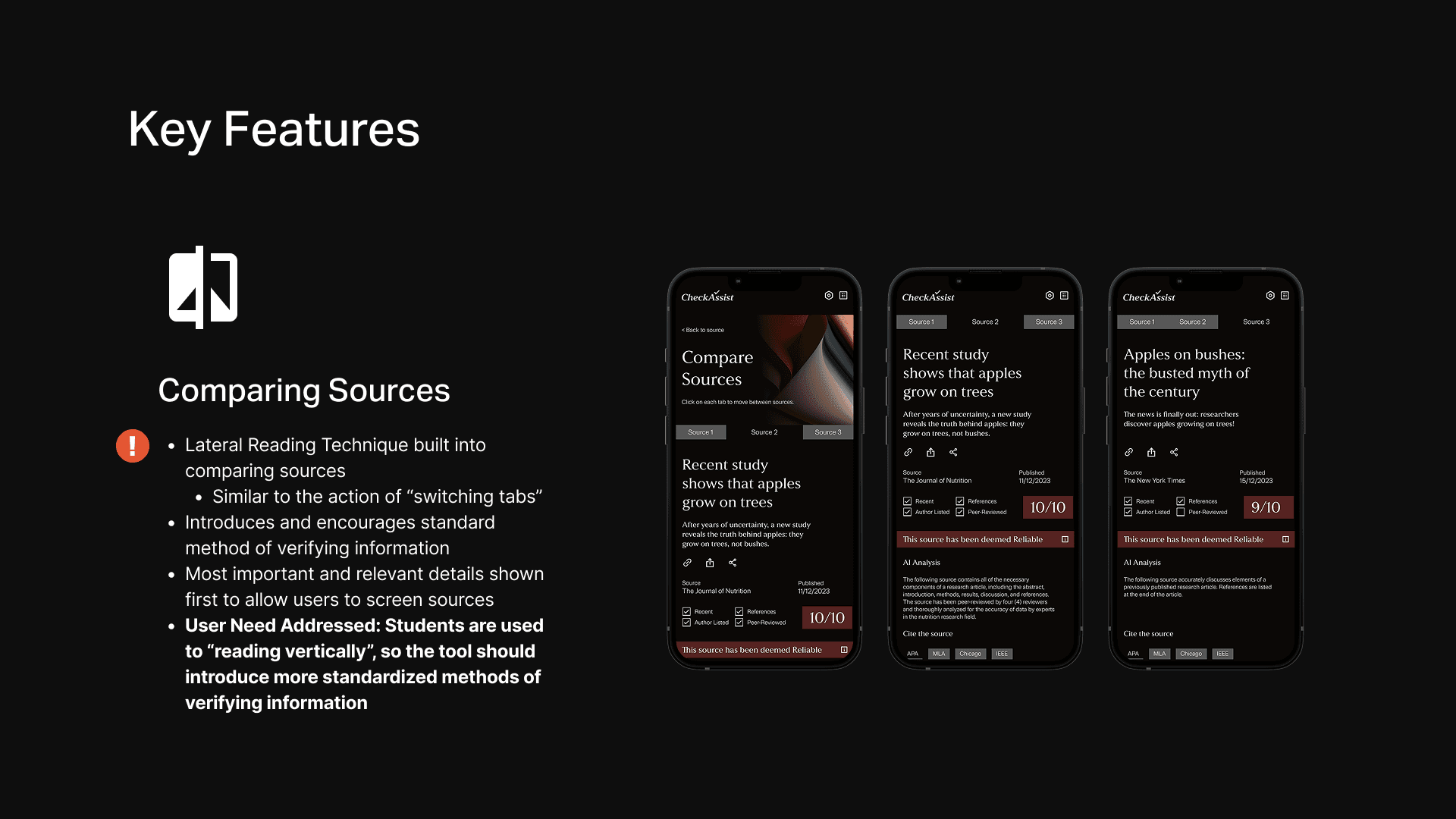
CheckAssist integrates the Lateral Reading technique into the source comparison feature, mimicking the familiar action of switching between website tabs to encourage standardized methods of source verification. By presenting the most important and relevant details, the platform allows users to efficiently screen sources and avoid "vertical reading" habits.
By allowing users to compare multiple sources laterally, the tool addresses the habit of students who are used to “reading vertically” within a single source by introducing more standardized methods of verifying information.
LEARNING OUTCOMES
How I Overcame Challenges
Approach Feedback with a Growth Mindset
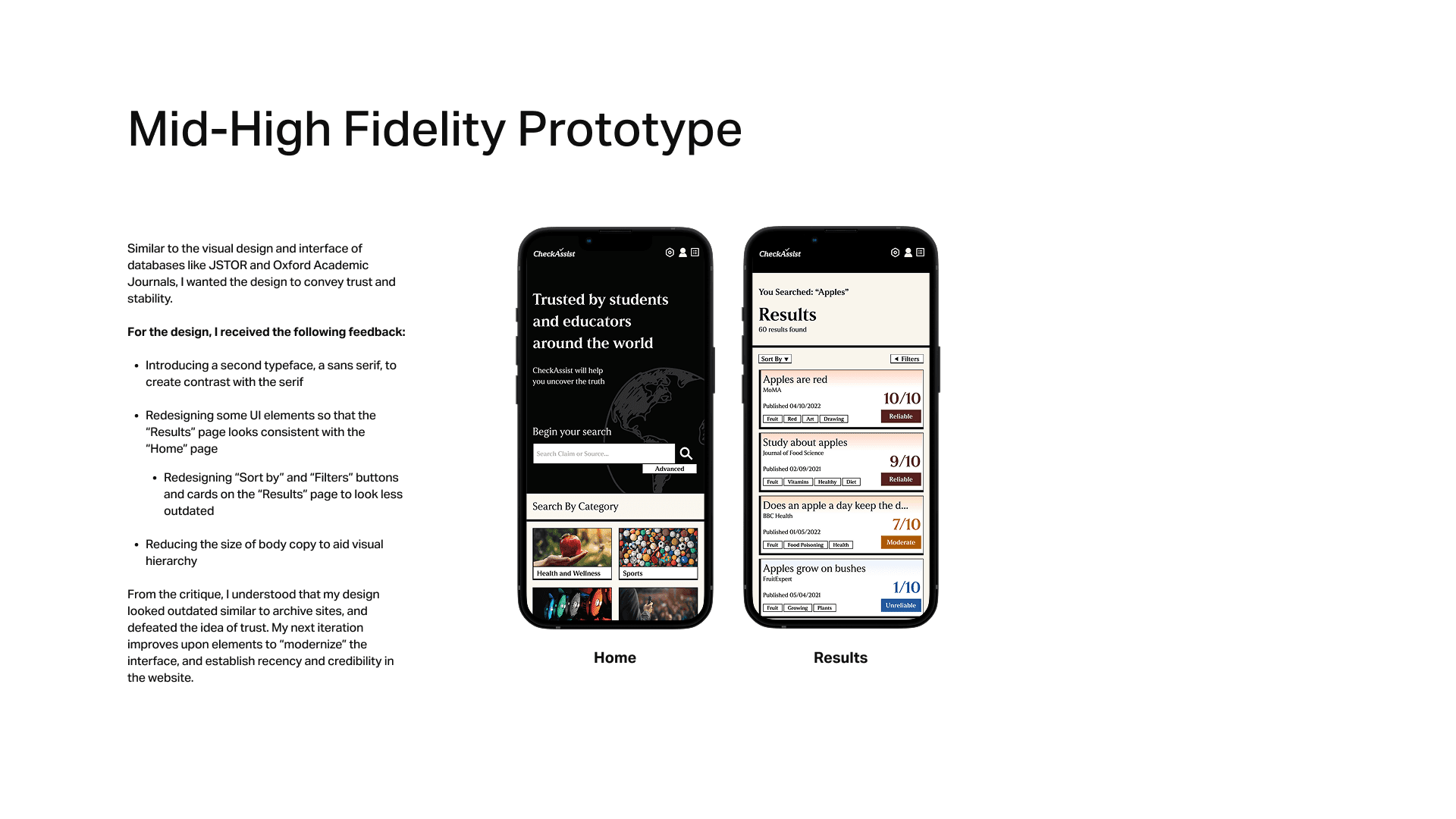
The first high-fidelity prototype was rejected because its outdated appearance failed to establish trust and credibility. To overcome this challenge, I sought additional feedback from mentors and peers, iterating on the work by incorporating suggestions that I did not necessarily agree with to see how they would fit into the design. This taught me to always approach feedback with a growth mindset and seek ideas outside of a "tunnel vision", which ultimately helped me achieve a stronger result.
Proactivity: Seek Resources Beyond the Classroom
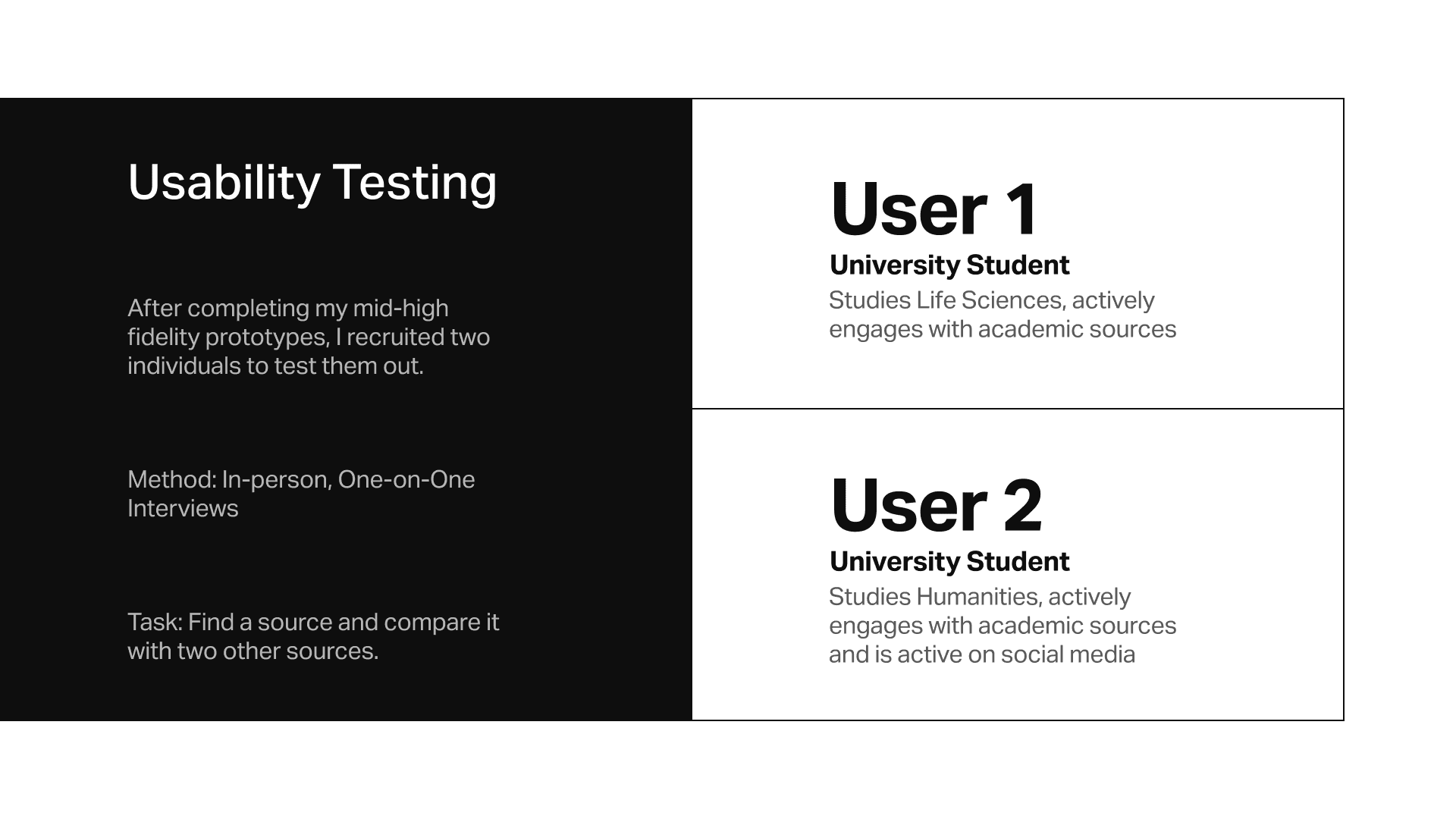
This project was my first experience conducting user research, and I was initially unsure how to recruit participants, run interviews, and conduct usability testing. To address these gaps in my knowledge, I sought additional resources online to guide my approach, learning how to design effective interview questions and what to evaluate during usability tests.
What I Would do Differently
Additional Features: Efficient Searching and Learning Tool
With more time, I would explore additional features that help students find relevant sources more efficiently and introduce a learning tool that teaches standardized techniques for verifying information. Specifically, I would expand the filters to allow users to search by specific topics or types of experiments. I would also add an indicator showing whether a source is free or paid in the search results.
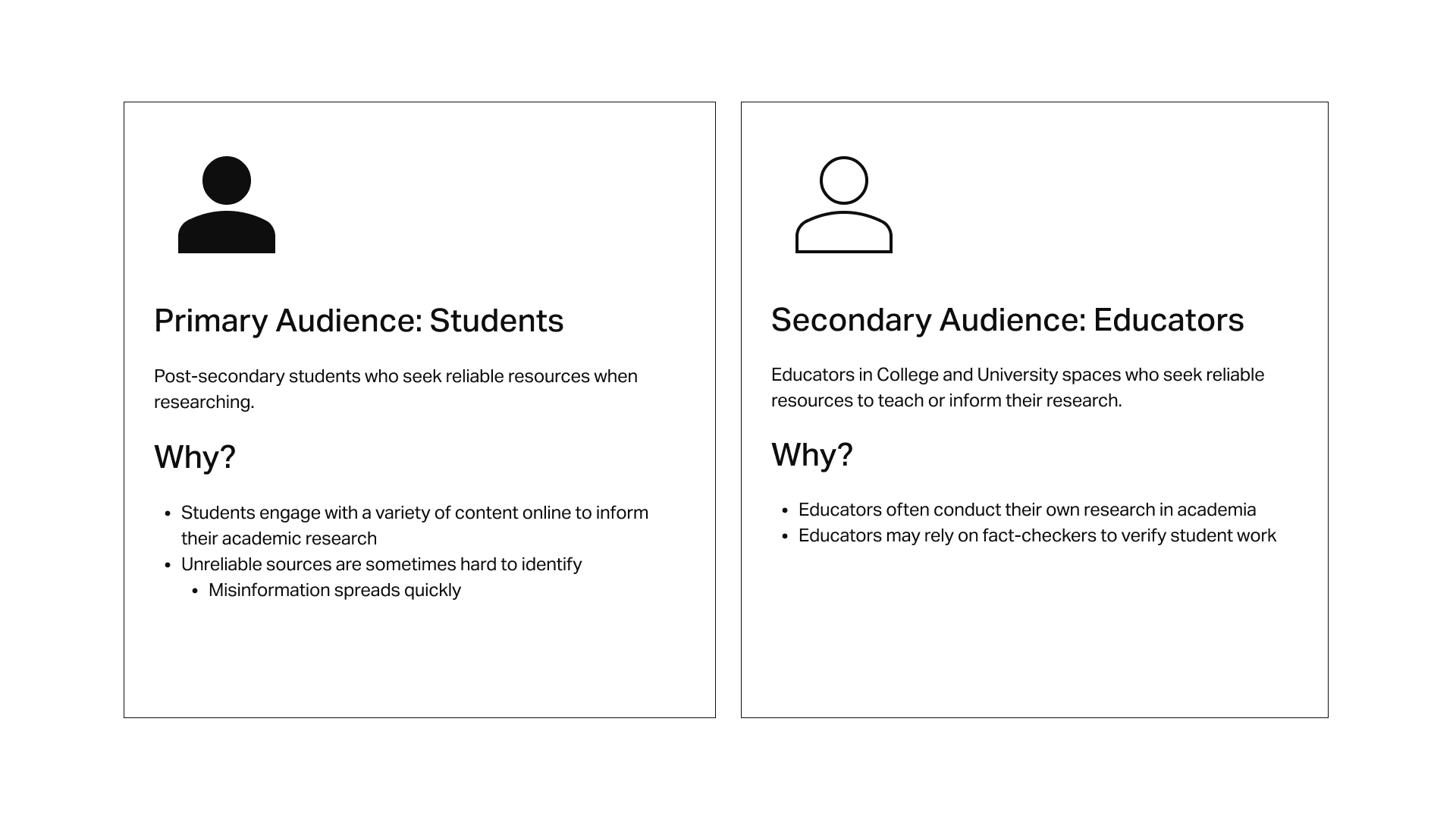
Investigate the Secondary Audience
With more time, I would also conduct interviews with educators to understand their needs and pain points when verifying sources. By conducting additional secondary research, I would explore how educators evaluate information and how their behaviors compare to student habits in reading “vertically.”
INTERESTED IN THE ENTIRE PROCESS?
In the following case study, I outline how every step of the Design Thinking process was consulted and applied to the development of CheckAssist. I cover my research methods and results, and show how the insights I gathered informed my ideation and prototypes of the final product.

BACK TO TOP